
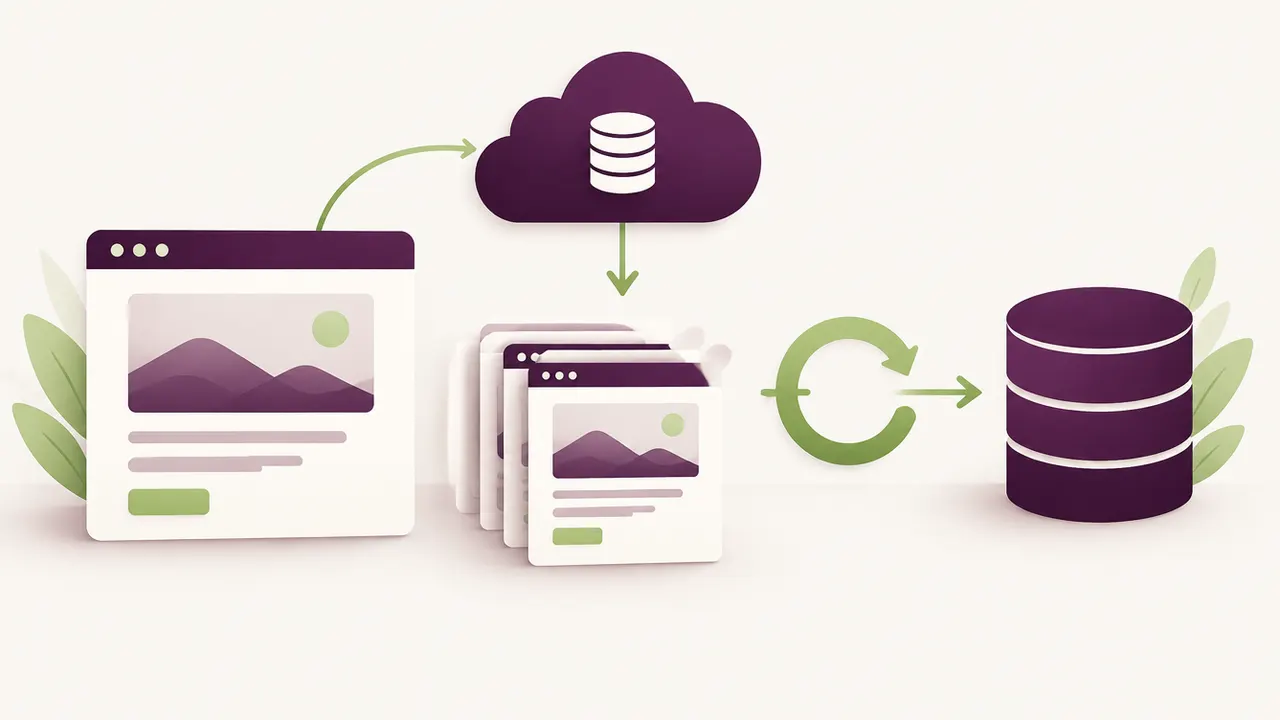
One wrong click, an update that goes badly, a hack discovered on a Monday morning: in every one of these cases, a single thing decides whether you lose five minutes or several weeks of work, a recent and working WordPress backup. It is the least exciting topic in running a website, and yet the most decisive.
Many owners discover how much backups matter at the worst possible moment: when they need one and realise it does not exist, or that it is eight months old. By then it is too late to act, there is only damage to repair.
A complete WordPress backup, automated and tested regularly, is the only real insurance against losing your site. Without it, no other security or performance effort truly matters: everything can vanish in an instant.
What a real backup should contain
Many owners believe they are protected when their "backup" only covers part of the site. A complete backup includes two inseparable elements:
- The database: every post, page, order, setting and comment
- The files: WordPress core, the theme, the plugins, and above all the
uploadsfolder that holds your images and documents
Missing either one is the same as having no backup at all. A database-only backup, for instance, restores none of your site's images.
How often to back up
The right frequency depends on how active your site is:
- Rarely updated showcase site: a daily backup is more than enough
- Site with an active blog or frequent updates: daily, or even several times a day
- E-commerce site with continuous orders: real-time or hourly backups, since every lost order has a direct cost
The more content or revenue your site generates, the shorter the gap between two backups should be.
Where to store your backups
A common mistake is storing the backup on the same server as the site. If the server fails, gets hacked, or the host has a major outage, the backup disappears along with the site. The basic rule to follow:
- Always store backups on external storage (dedicated cloud storage, a separate server)
- Keep several versions over time, not just the most recent one
- Keep at least one copy out of reach in case the hosting account itself is compromised
Testing your backups, the step everyone skips
A backup that has never been tested is a backup whose reliability you do not really know. A corrupted file, an incomplete export, a compatibility issue: these situations exist, and they are usually discovered on the day you urgently need to restore. A restoration test two to four times a year lets you rest easy and confirms the process actually works.
Manual or automated backups
A manual backup, done "whenever you remember," is not a reliable strategy. The mental load of remembering always eventually loses to the urgency of daily business. An automated backup plugin or service solves this for good: the backup fires on its own, on the schedule you set, without depending on anyone's memory. It also removes the temptation to skip a backup "just this once" before a risky change, which is exactly when you need one the most.
How long to keep your backups
Keeping only the latest backup is risky: if a problem went unnoticed for several days (a quiet piece of malware, for instance), the most recent backup could already be contaminated. A history of at least 30 days, with restore points at different dates, lets you roll back to a clean state even if the problem was not caught immediately.
When to call in a professional
Setting up a reliable backup strategy means choosing the right tool, configuring it correctly, checking external storage, and testing restoration. It is a one-off technical task, but one that demands rigour so nothing slips through. If you have never checked the state of your current backups, or discover they simply do not exist, that is the signal to act before an incident happens.
This matters even more if your site has already been hacked before: a clean, recent backup is the essential starting point for any calm recovery, as explained at /en/relax/site-wordpress-pirate/.
Frequently asked questions
Is a backup enough to protect my site against hacking? No, but it is essential for recovering quickly. A backup does not block an attack, it lets you return to a clean state once the problem is fixed.
My host already does backups, should I still worry? Many hosts offer limited backups (low frequency, short retention, or paid as an add-on). It is worth checking exactly what is included and setting up an independent solution alongside it if needed.
What should I do if I discover I never had a backup? Set one up immediately, even a basic one, then improve the strategy over time. An imperfect backup is infinitely better than no backup at all.
Does a backup slow down my site? A well-configured backup has a minimal impact, especially if it runs at low-traffic hours or through an external service rather than the server hosting the site itself.
To round out your security strategy, see our guide on securing your WordPress site and our article on the most common WordPress errors, often fixed in minutes thanks to a good backup.
Not sure your backups actually work? Relax by Yumea checks your site and your backups for free, and sets up a reliable solution if needed. Request my free diagnosis at /en/relax/