
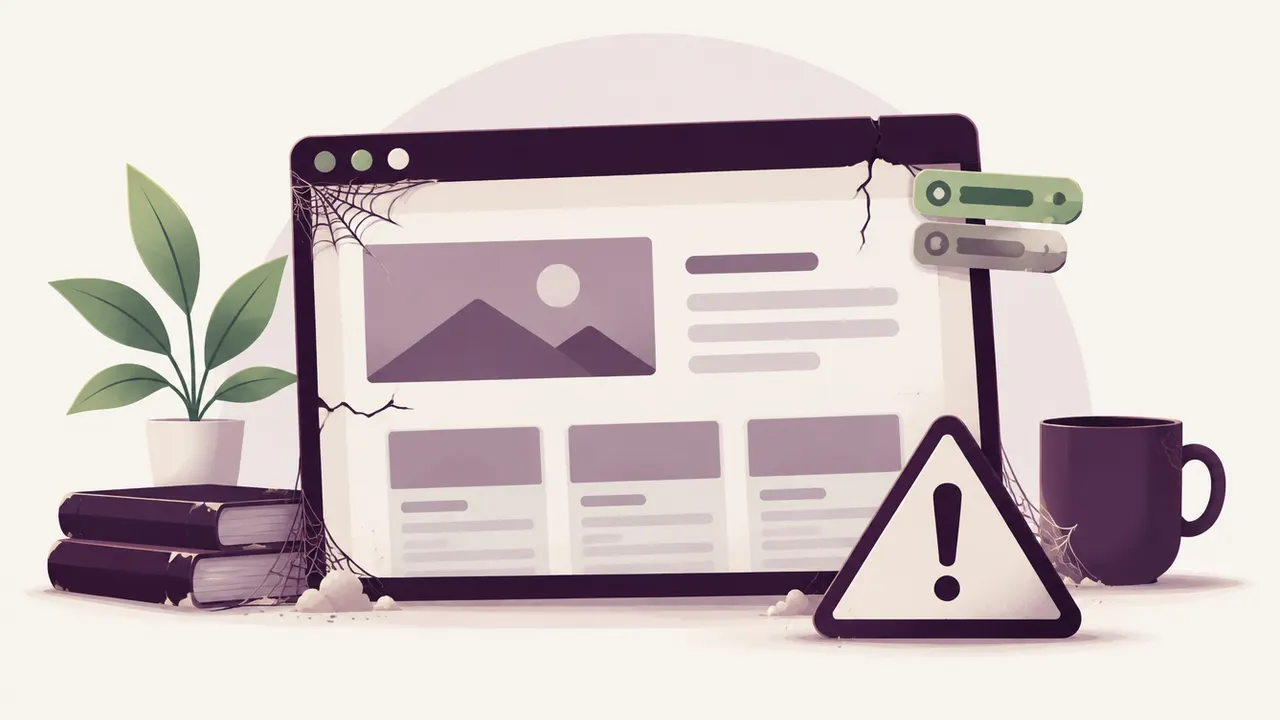
You have seen the little red dot on your dashboard for months, the one announcing available updates. You keep postponing, often for lack of time, sometimes out of fear of breaking something that currently works. The question many business owners ask themselves, without quite daring to answer it, is: what do you actually risk if you never update your WordPress?
This is not a rare oversight. Between WordPress core, the theme, and sometimes a dozen plugins, update notifications pile up fast, and each one raises the same fear: what if it breaks the site right in the middle of a sales period?
The paradox is that this fear pushes people toward inaction, when it is precisely inaction that makes the risk real. A site that is never updated does not stay frozen in a stable state: every month, it becomes an easier target, a slower site, and a more fragile one.
A WordPress that is never updated accumulates publicly documented, known security flaws, which makes it a prime target for automated attacks, on top of gradually becoming slower and less compatible with current tools. The risk is not visible right away, but it keeps growing.
The real risk: known security flaws pile up
Every update to WordPress core, a theme, or a plugin generally fixes security flaws identified by the community or by security researchers. The problem is that these fixes are public: as soon as an update ships, the details of the flaw it patches often become known, including to attackers who then scan the internet looking for sites that have not applied the fix yet.
A site running several versions behind therefore accumulates several known flaws at once, which makes it a far easier target to automate for an attack bot than an up-to-date site.
Why the fear of breaking the site is not a good reason to do nothing
The fear is legitimate: a poorly prepared update can indeed cause a blank screen or a conflict between plugins. But putting off the update indefinitely does not remove that risk, it shifts it further out and makes it worse. The bigger the version gap grows, the more brutal and risky the eventual update (often forced by a host or an outage) will be.
The right approach is not to avoid updates, but to run them under good conditions: back up first, test on a staging environment when possible, and update gradually rather than all at once after two years of waiting. If a site has already ended up broken after a poorly prepared update, our dedicated page on a site broken after a WordPress update explains how to get back to a stable state.
Incompatibilities and bugs that build up over time
Past a certain point, it is no longer just a security question. Plugins stop being compatible with each other, the theme may no longer work properly with the version of PHP your host runs, and some site features (contact form, payment method, mobile display) can quietly degrade without anyone noticing right away.
Search rankings and performance that decline
A slow or unstable site is penalized by Google, which factors in speed and technical stability in its ranking. An old WordPress core often relies on an outdated, less efficient version of PHP, which mechanically slows down every page. We cover this mechanism in our article on why your WordPress is slowing down.
What actually happens after several years without an update
The most common scenario we see follows a fairly predictable pattern:
- the site accumulates update delays for months with no visible incident
- a known flaw in an outdated plugin is exploited automatically by a bot
- the site gets infected, redirects to another domain, or shows a Google warning
- the host suspends the account, or the owner discovers the problem by chance
This path is described in more detail in our article on why WordPress sites get hacked. The good news is that it stays avoidable at every step, even late in the process.
How to regain control without breaking everything
If your site has fallen far behind, the upgrade should happen in stages, not all at once:
- back up the site in its current state, before doing anything
- update WordPress core first, then the theme, then the plugins one by one
- test the site after each step, not just at the very end
- watch for error messages in the dashboard or the hosting logs
This gradual method greatly reduces the risk of breakage compared to a rushed, all-at-once update.
When to call in a professional
If your site has not been updated in over a year, if you no longer know which plugin depends on which other one, or if a previous update attempt already caused a problem, it is safer to hand the upgrade to a professional. The intervention typically includes a safety backup, a methodical update, and a full check that the site still works.
Frequently asked questions
My site has run fine for years without an update, why change now? The fact that no incident has happened yet does not mean the site is safe, it means it has not yet been spotted by the bots that constantly scan for known flaws.
Is it risky to update several versions at once after a long delay? Yes, it does raise the risk of incompatibility, which is why it is worth backing up first and proceeding in stages rather than launching everything at once with no intermediate check.
How long can you reasonably wait between two updates? Minor security updates should ideally be applied soon after release. Major updates can wait a few weeks to let any bug fixes settle in, but not much longer than that.
Is your WordPress falling behind on updates? Relax by Yumea safely brings your site back up to date, without breaking what already works. Describe your situation, the diagnosis is free.