
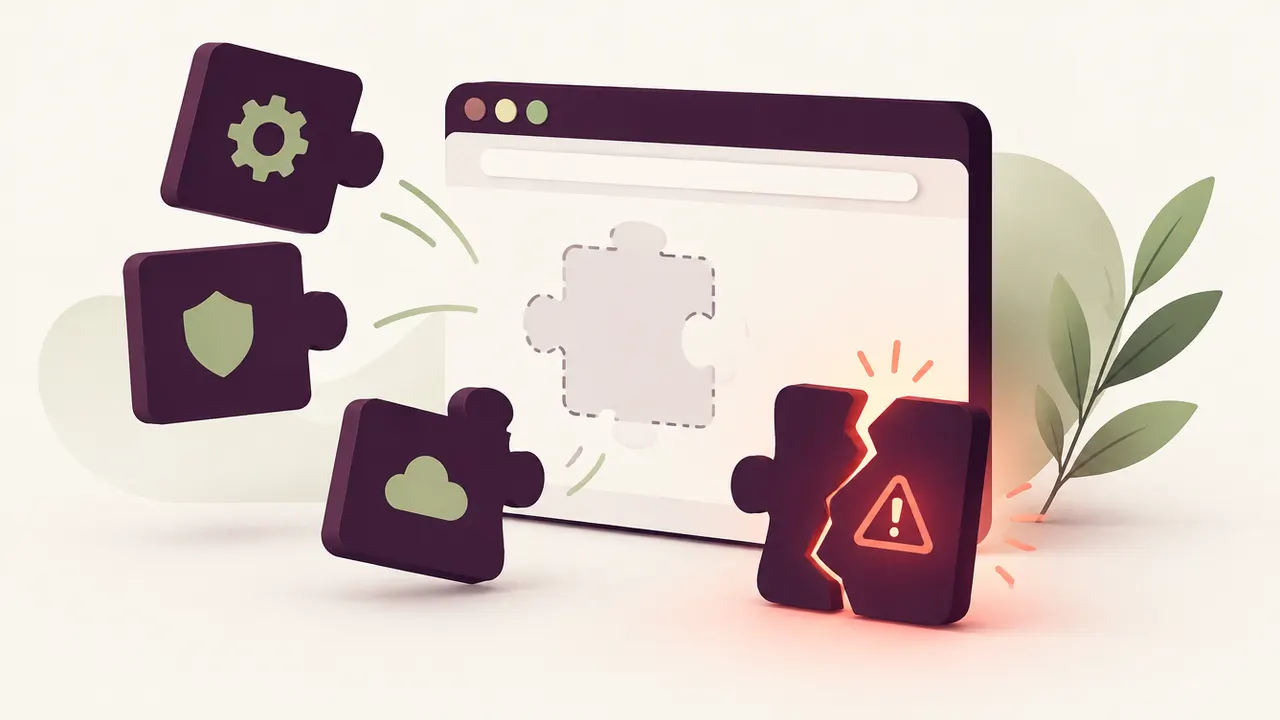
You installed a plugin to add a contact form, a slider, or a payment feature, and you have not thought about it since. That exact scenario worries WordPress security experts the most: plugin vulnerabilities are, by far, the leading cause of WordPress hacks. Not the theme, not WordPress core itself, but the dozens of extensions running quietly in the background that nobody keeps an eye on.
For a small business owner, the goal is not to become a cybersecurity expert. It is to understand where the real risk sits, so you stop worrying about the wrong things and focus on what actually protects your site and your customers.
A poorly maintained or outdated WordPress plugin is the number one entry point for hackers, well ahead of a weak password or an unreliable host. The right habit is simple: keep the number of active plugins low, update them promptly, and remove the ones you no longer use.
Why plugins are so vulnerable
WordPress itself is closely monitored software, with a dedicated security team and fast patches. Plugins, on the other hand, are written by thousands of different developers with wildly uneven levels of rigour. A free plugin maintained by a single person in their spare time does not have the same resources as a professional plugin backed by a full team.
Every plugin adds code that runs on your site. The more you install, the larger your attack surface grows. An abandoned plugin, never updated for years, stays active on your site and keeps acting as an open door even if you no longer use it actively.
Spotting a risky plugin
A few warning signs should catch your attention before a problem even occurs:
- Last update more than a year old
- Few active installs or very few reviews
- No technical support, or support that never replies
- Removed from the official WordPress.org directory
- Downloaded from outside official channels, "nulled" or pirated copies
A site running twenty plugins, several of which are no longer actively used, statistically carries far more risk than a site running five, chosen carefully and kept under close watch.
What actually happens when a flaw gets exploited
A plugin vulnerability most often lets an attacker inject malicious code, create a hidden admin account, or reach your database. Once inside, they can redirect your visitors to fraudulent sites, insert invisible links for illegal SEO, or outright deface your homepage. In the worst cases, your site gets blacklisted by Google, with a "this site may harm your computer" warning that scares off every visitor.
It is rarely dramatic at first. Most break-ins go unnoticed for several weeks, the time it takes an attacker to quietly set up their own access before acting.
The right habits to limit the risk
A handful of simple habits sharply reduce a WordPress site's exposure:
- Uninstall (not just deactivate) any plugin you no longer use
- Update plugins as soon as a patch is released, ideally within 48 hours for security fixes
- Only download plugins from the official directory or recognised developers
- Regularly review the list of administrator accounts on your site
- Set up a web application firewall (WAF) that blocks known exploitation attempts
Keeping the number of active plugins to the strict minimum remains the single most effective lever, well ahead of any extra security tool.
The special case of expired premium plugins
Many sites run premium (paid) plugins whose licence has expired. The plugin keeps working, but stops receiving security updates. This is a frequent blind spot: the site appears to run normally, and nobody notices that protection stopped months ago. Regularly auditing active licences is a check worth adding to your routine.
When to call in a professional
If you discover your site has already been compromised, or you have any doubt about its current state, it is time to hand things over. Cleaning a deep infection means checking every file, every user account and every plugin, which goes well beyond what a non-technical owner can realistically handle. It is also the right moment to set up ongoing monitoring, rather than only reacting after the fact.
A professional can audit your plugins, sort out which to keep and which to remove, and set up maintenance that applies security patches without delay. See our approach at /en/relax/site-wordpress-pirate/, and if your site broke after a plugin update, /en/relax/site-casse-apres-mise-a-jour-wordpress/ explains how to get back to a stable state.
Frequently asked questions
Should you deactivate or uninstall an unused plugin? Uninstall it. A plugin that is merely deactivated stays on the server and can, in some cases, still be exploited if it contains a known flaw.
How many plugins can you safely install? There is no magic number, but every extra plugin widens your attack surface. The rule to remember: only install what brings real value, and clean up regularly.
Is a plugin from the official WordPress.org directory 100% safe? No, but the official directory applies minimum standards and removes plugins reported as vulnerable. That already makes it far safer than unofficial sources. It does not replace checking how often it is updated and how serious the developer is.
For more on securing your site overall, our guide on securing your WordPress site and our article on cleaning WordPress malware are useful next reads.
Not sure about your plugins or your WordPress security? Relax by Yumea offers a free diagnosis of your site: we identify the flaws, the risky plugins, and tell you clearly what needs to be done. Request my free diagnosis at /en/relax/