
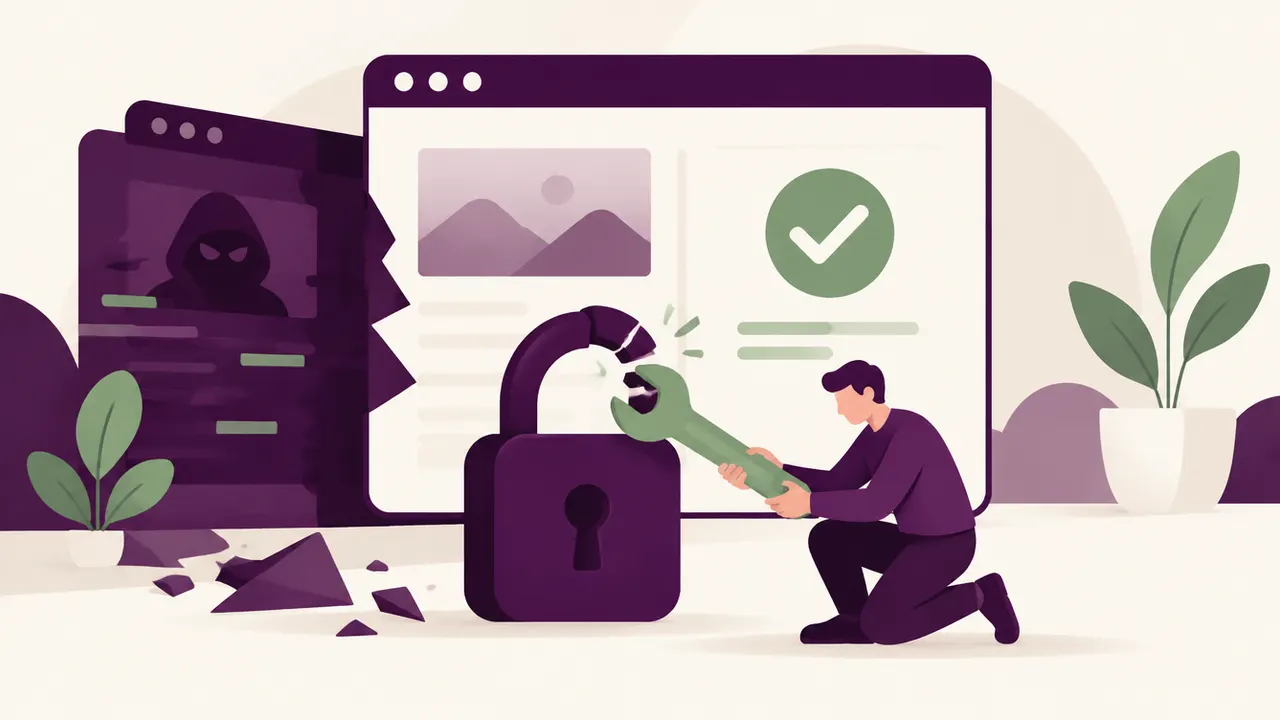
You log in one morning and nothing works: a blank page, a redirect to a site selling counterfeit medication, or a message from your host suspending your account for "malicious activity detected". The first question on your mind is simple: can you recover a WordPress site after a hack, or do you have to rebuild everything from scratch?
It is a stressful situation, especially when that site is your storefront or your sales tool. You think of customers trying to reach you, of the search ranking you built up over months, and of the image a broken or compromised site sends.
The good news is that this scenario is far from a dead end. Most hacked WordPress sites can be cleaned and put back online, often without losing content or search visibility.
Yes, in most cases, a hacked WordPress site can be recovered without losing its content or its search rankings, provided you act quickly and follow a rigorous method: isolate the site, identify and remove the malicious code, restore a clean database, then lock down access to prevent another intrusion.
How to tell if your site has actually been hacked
Some signs are hard to miss:
- an automatic redirect to another site as soon as the page opens
- unknown pages suddenly appearing in Google (often in a foreign language, on topics unrelated to your business)
- a "This site may be hacked" warning in search results
- a sudden slowdown or unexplained traffic spikes on your hosting
- admin accounts you never created
If you recognize any of these symptoms, there is a strong chance your site has been compromised. We cover the mechanics of these attacks in our article on why WordPress sites get hacked.
The first actions to take within the hour
Before you even think about cleanup, a few reflexes limit the damage:
- put the site into maintenance mode or take it offline if possible, to stop it spreading to your visitors
- change every password immediately: WordPress admin, hosting account, FTP, database
- contact your host: many have detection tools and can temporarily freeze a compromised account
- do not pay anyone claiming to hold your data for ransom without first verifying the threat is real
None of this fixes the underlying problem, but it stops things getting worse while you organize the next steps.
The technical steps to clean and restore the site
Recovery generally follows a set order:
- Back up the current, infected state of the site so you can analyze the attack afterward
- Identify the entry point: an outdated plugin, a vulnerable theme, a weak password
- Compare the site's files against a clean version of WordPress core, the theme, and the plugins
- Clean or replace the compromised files and inspect the database for injected scripts
- Reinstall WordPress and plugins from official sources
- Regenerate the security keys in the configuration file
If you have a clean backup from before the infection, restoring it is usually faster and more reliable than a file-by-file manual cleanup. That is the whole point of keeping regular backups, a topic we cover in more depth elsewhere on the blog.
Search rankings and reputation after a recovery
This is often the real worry behind the technical question: "will I lose my Google ranking?" In most cases, no, provided you act fast. Google keeps the site's history once the hack is resolved, but you need to explicitly request a review through Google Search Console if a security warning was shown to visitors.
The longer a site stays infected, the higher the risk of a lasting penalty. A delay of a few days rarely changes the outcome, but several weeks of inaction can trigger partial deindexing, which usually takes longer to fix than the hack itself.
Why some sites never truly "recover"
There are cases where recovery fails or stays incomplete: a cleanup that is too shallow and leaves an active backdoor, a backup that is itself infected and reintroduces the malware, or no backup at all combined with shared hosting with no file history. In these situations, the site can be reinfected within days of the cleanup, which discourages many owners into giving up when a more thorough method would have been enough.
When to call in a professional
Cleaning a hacked WordPress site yourself is possible with tools like Wordfence or Sucuri, but it takes time, technical skill, and a level head. If your site generates revenue, if you do not know where to start, or if a first cleanup attempt was not enough, it is safer to hand the job to a professional used to this kind of crisis. A quick diagnosis often reveals within hours whether the damage is fixable and at what cost.
Frequently asked questions
How long does it take to recover a hacked WordPress site? It depends on how extensive the infection is and whether a clean backup exists. A simple cleanup takes a few hours; a deep or long-standing infection can take several days.
Do I need to tell my customers if my site was hacked? If personal data may have been exposed (forms, customer accounts, payments), yes, this is often a legal requirement depending on your jurisdiction. In other cases, transparency is still recommended to preserve trust.
Can I just restore an old backup to fix everything? Often yes, provided that backup predates the intrusion and is free of malicious code. Always check its integrity before putting it back online, or you risk reintroducing the same problem.
Has your WordPress site been hacked? Relax by Yumea handles the cleanup, restoration, and security hardening of your site. Describe your issue, the diagnosis is free.