
Positioned at the centre of your Instagram profile, they are perfect for helping new visitors discover what your business is all about. But just like your regular Instagram Stories, it is well worth taking the time to plan and strategise how to use them to your advantage!
In this article, you will learn how to use Instagram Stories Highlights and we will share a few tips to maximise their effectiveness for your business.
What is an Instagram Story?
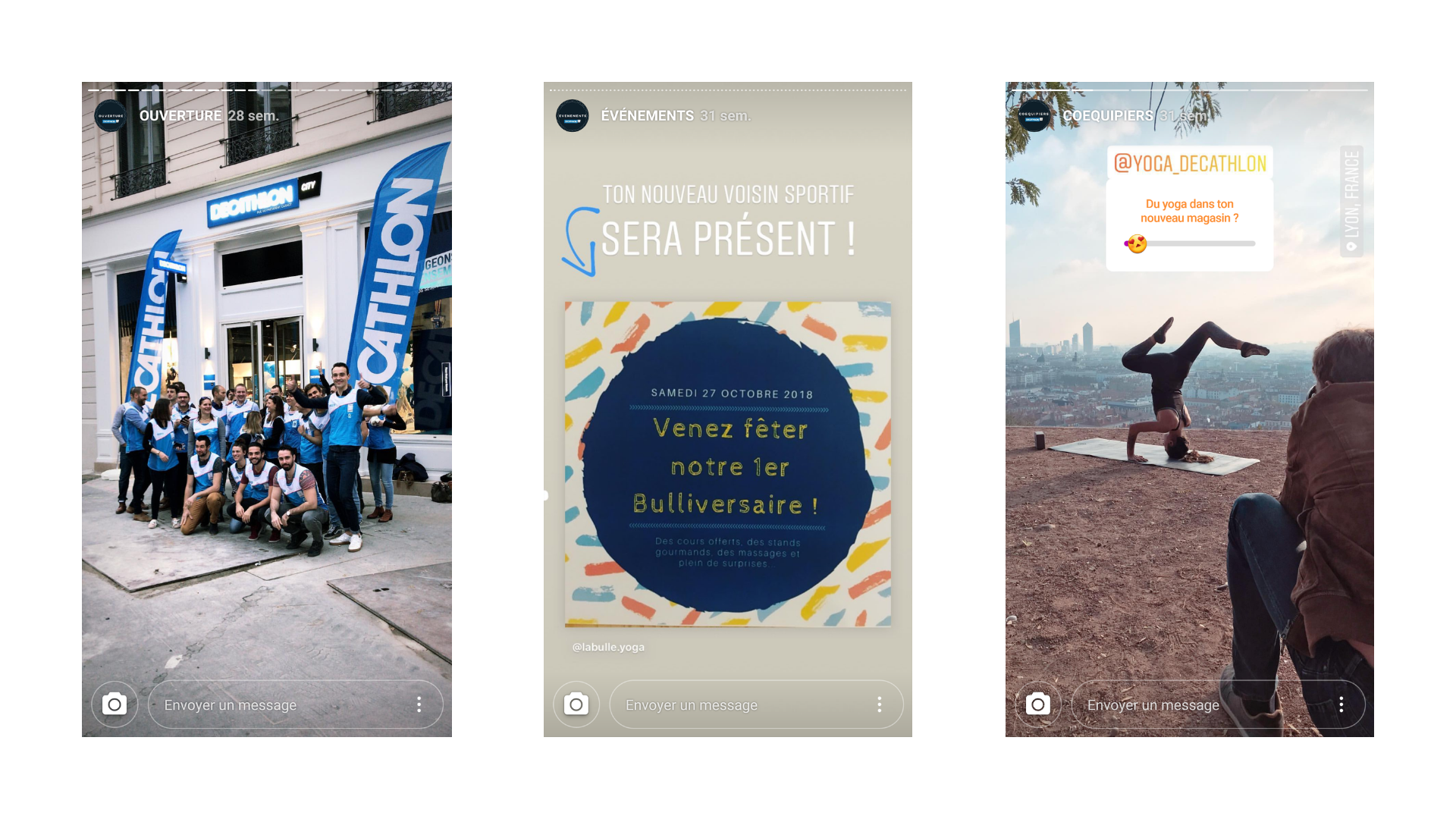
Stories are ephemeral content with a 24-hour lifespan, which do not appear in your feed but rather in a dedicated "space". You can view the stories of the people you follow at the top of your feed by tapping the circle corresponding to that person's profile picture. This format is interesting because it accommodates both still images and videos, all placed one after the other to create a "story" (each segment lasts between 5 and 15 seconds). Stories open up a new point of entry between your brand and the app's audience, since anyone can view your story without even following your account. The success of this format ties in with a highly popular new trend among younger audiences: immediacy and immersion. It makes communication feel more human and less polished than through carefully crafted posts or adverts. You can therefore use this format to show behind-the-scenes of your activity, give a glimpse into a day in the life of your business, run a competition, and much more.
How do you create a Story?
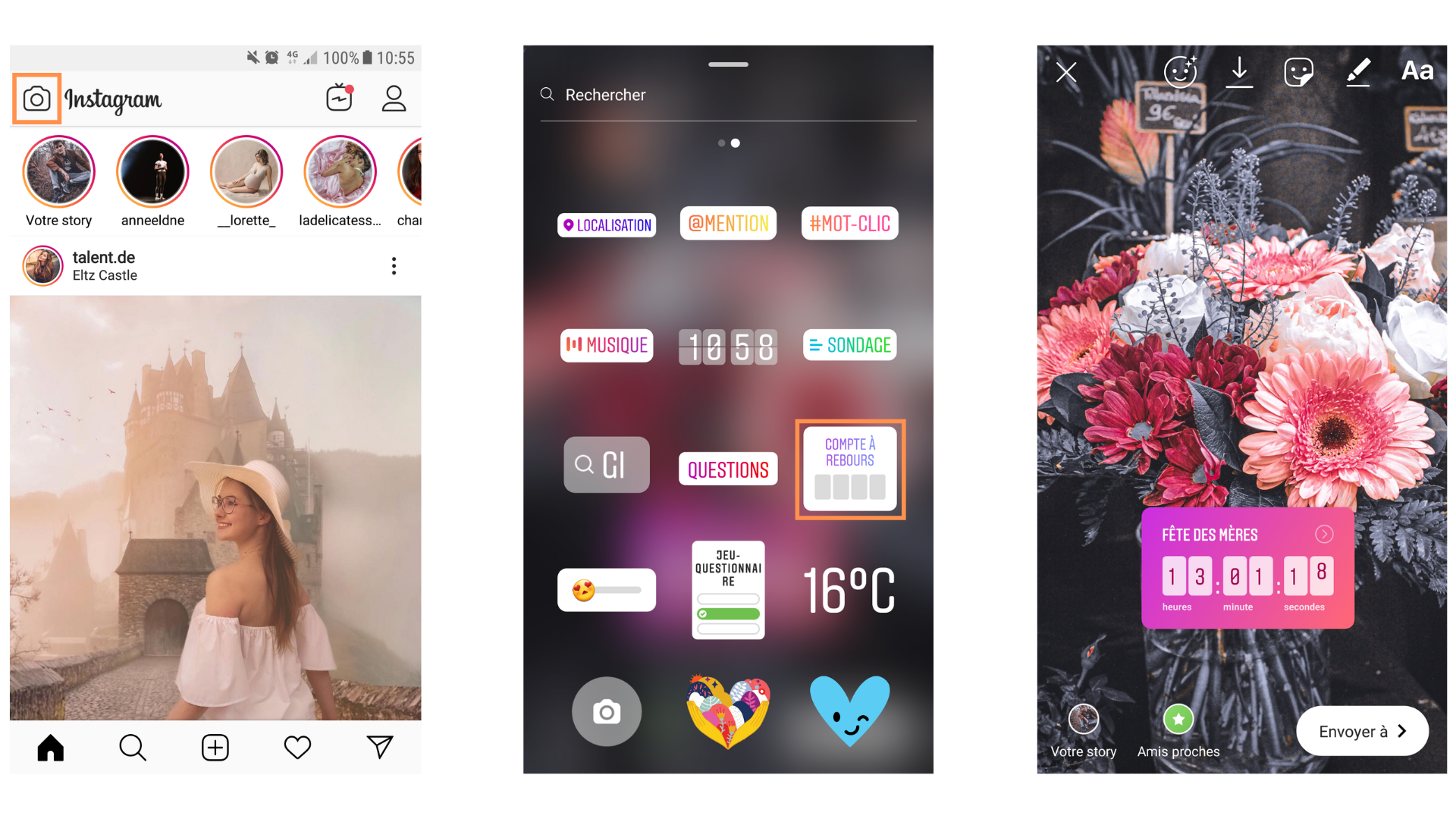
To add content to your story, go to your feed (the small house icon) and swipe right to bring up the camera. At the bottom, you will find the following options:
– "Text", to create content without an image, where you will have access to several styles;
– "Music", to add a piece of music to your post;
– "Live", to go live on Instagram;
– "Normal", to take a photo or a video of up to 15 seconds;
You can add text, stickers and GIFs to your photos and videos. You can also import an image from your library by tapping the library icon to the far left of the capture button in "Normal" mode. Once you have taken a photo, imported one from your library, or held the button to record a video, added text and drawn as required, you can tap the "+" symbol to add it to your story.
Saving your Stories as Highlights
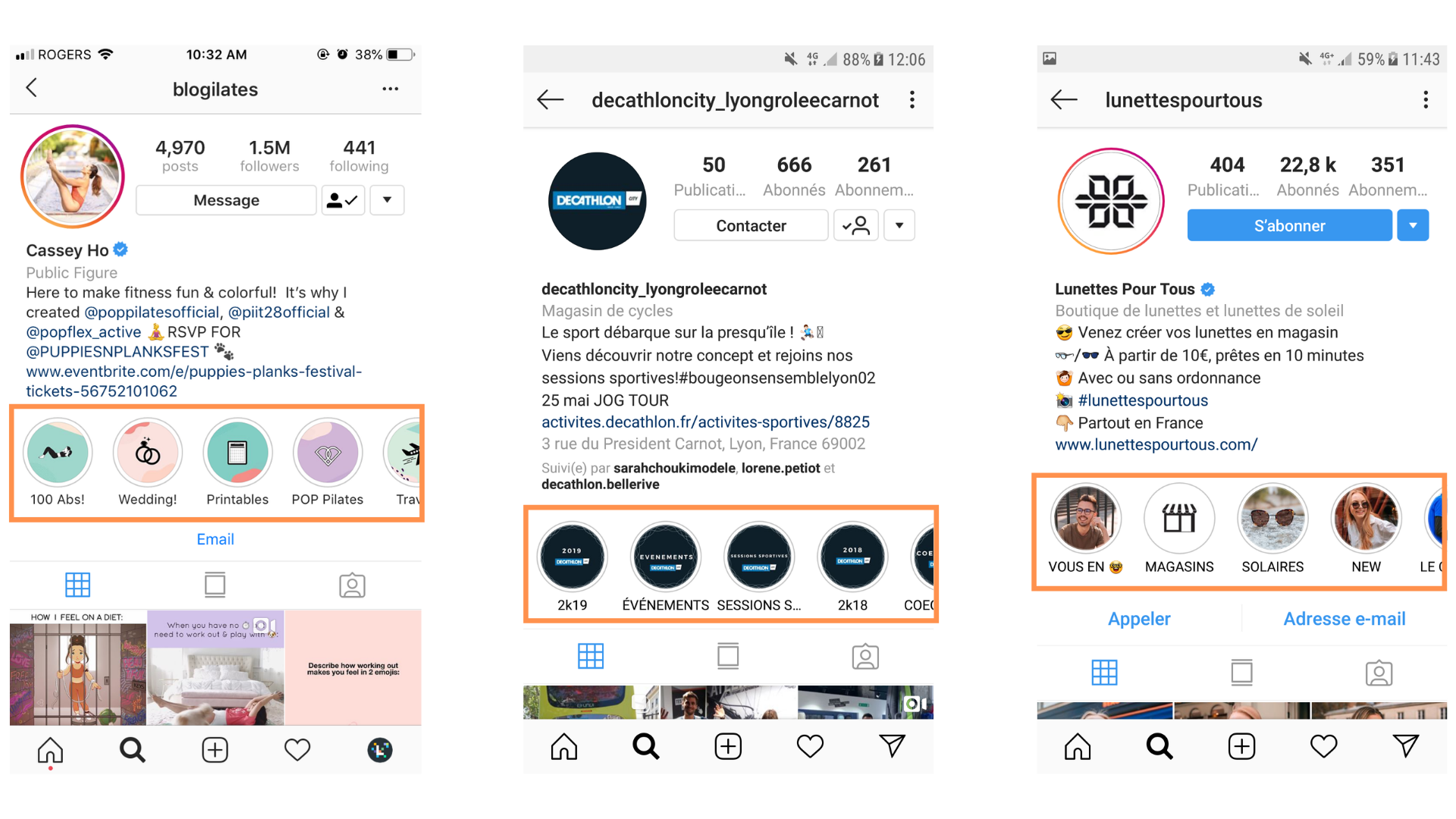
"Highlights" are stories you save to your profile and can add to whenever you wish. To present your business, you might create a storytelling sequence that showcases your values and services through imagery. It is also an excellent way to communicate about events, the launch of a new product range, and so on. In other words, you could think of it as the visual equivalent of your bio. For users to access it, there are two possibilities:
– either they navigate to your profile themselves, in which case they will see your highlights below your bio;
– or you direct them there to find out more about you by making an announcement through a regular story. (Each time you publish a story, it is featured at the top of your followers' home feed.)
Customising the cover image of your Story Highlight
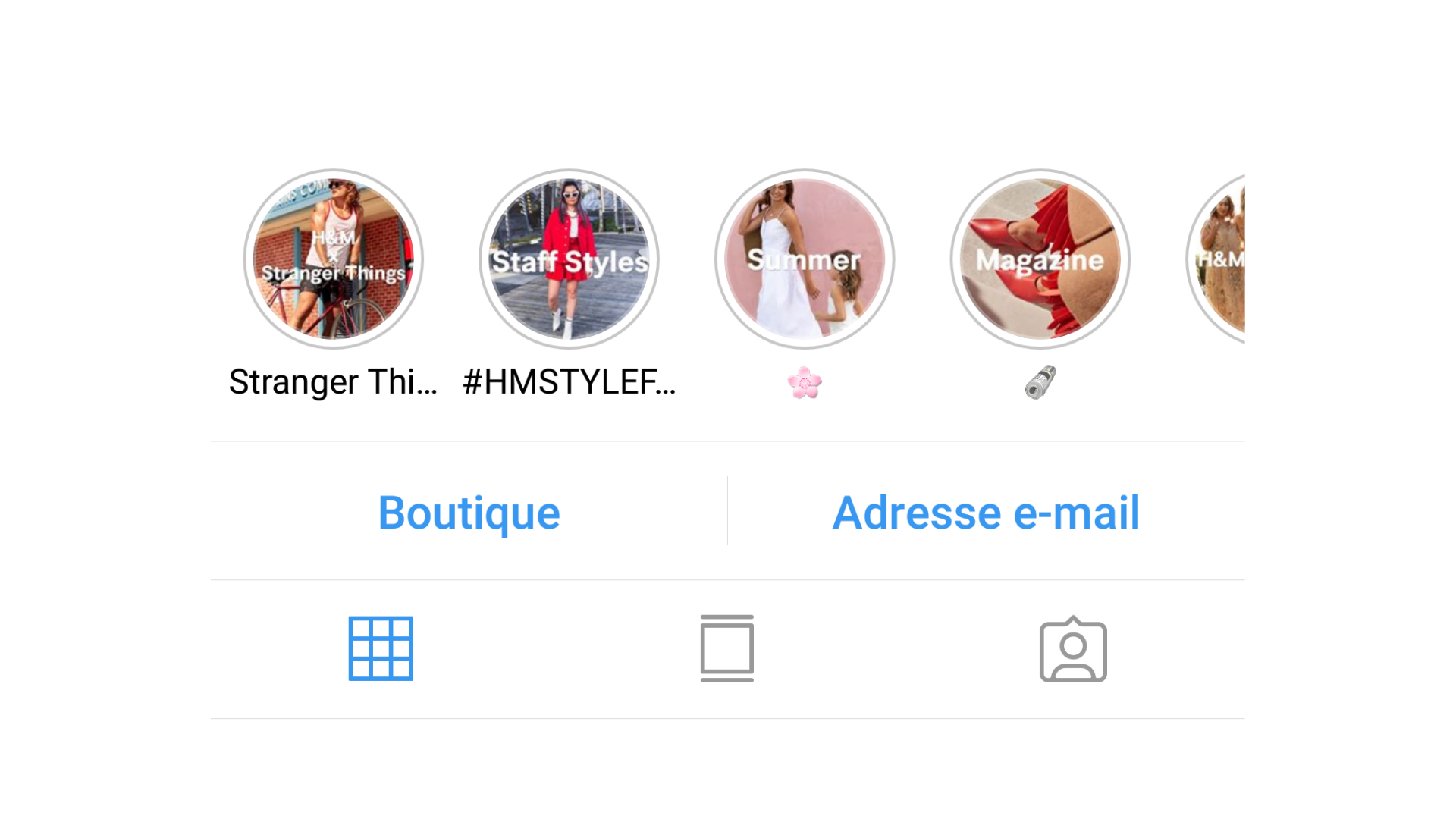
Instagram Story Highlights work somewhat like the menu of your website. It is up to you to decide what you want to showcase to pique your visitors' curiosity. To take personalisation as far as possible, you can choose both the name of your highlight and the cover image that will be permanently displayed. You can therefore make it consistent with your brand guidelines. To learn more about how to go about it, I invite you to watch this short video.
YOU MIGHT ALSO LIKE
UGC, the future of marketing: How user-generated content can revolutionise your marketing strategy
by Yumea, 7 March 2023
UGC (User Generated Content) is changing the game in the world of marketing. With the rise of social networks and content-sharing platforms, the … READ MORE
Category: News , Getting visible online , Social media
Comments: 0
How to use Instagram to reach your audience and drive traffic to your website
by Yumea, 1 February 2023
Social media has become an indispensable tool for businesses looking to reach their target audience and drive traffic to their website. With more than 3.8 billion active users… READ MORE
Category: Getting visible online , Instagram , Social media
Comments: 0
7 Artificial Intelligence (AI) tools to know in 2023
by Yumea, 12 January 2023
In 2023, there are numerous platforms using artificial intelligence (AI) to help users write content and generate images. If you are looking for tools to help you write… READ MORE
Category: News
Comments: 0