
Choosing a domain name can be complicated. It is sometimes easier to come up with an idea for a site than to name it. It may also feel as though all the interesting, impactful names are already taken. There is only one solution left: use a domain name generator to get suggestions based on your keywords.
Here is a list of 19 free domain name generators. These generators use artificial intelligence to suggest a variety of domain names. The suggestions can be good or less so, but they can always help point you in the right direction.
1. Shopify Business Name Generator
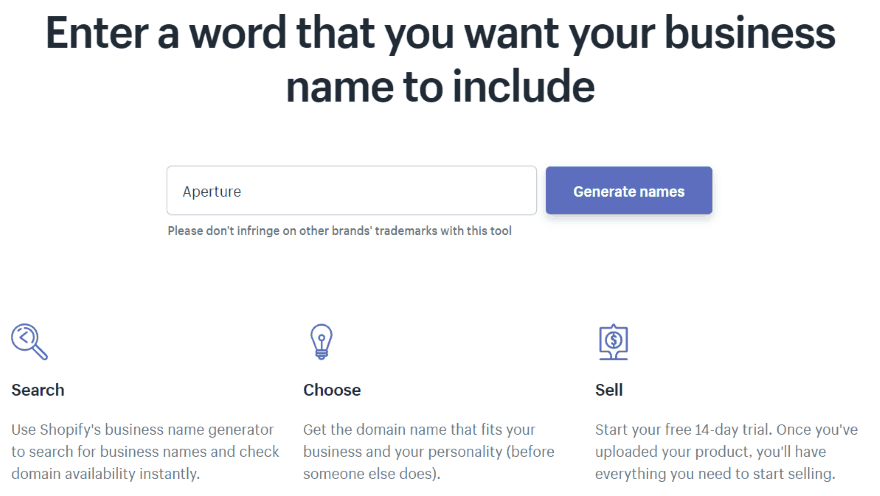
Shopify Business Name Generator is easy to use. You enter a word you want to appear in your domain name and it suggests hundreds of possibilities featuring that word.
2. Instant Domain Search
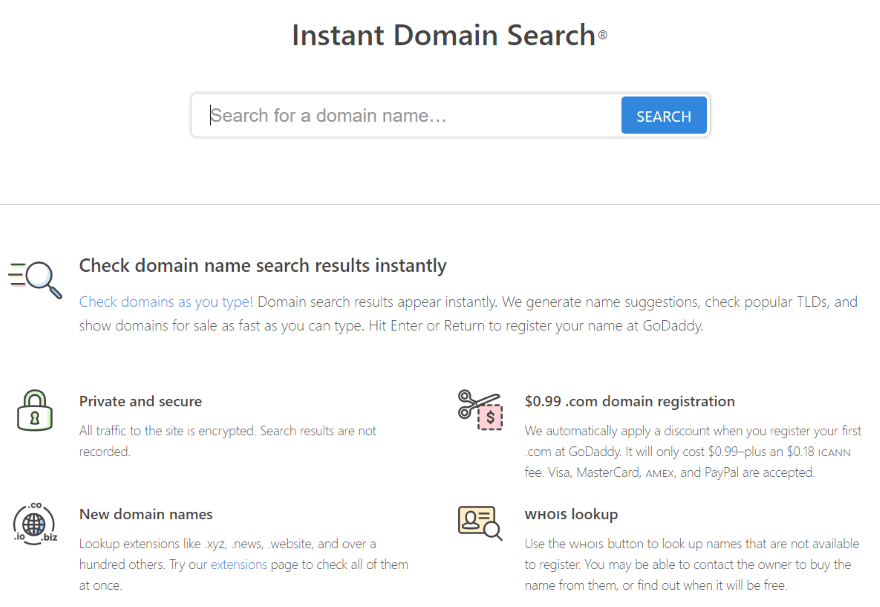
On the same principle, Instant Domain Search suggests dozens of domain names based on your keyword. Results include suggestions, domains for sale with their prices, and detailed analyses.
3. Logopony
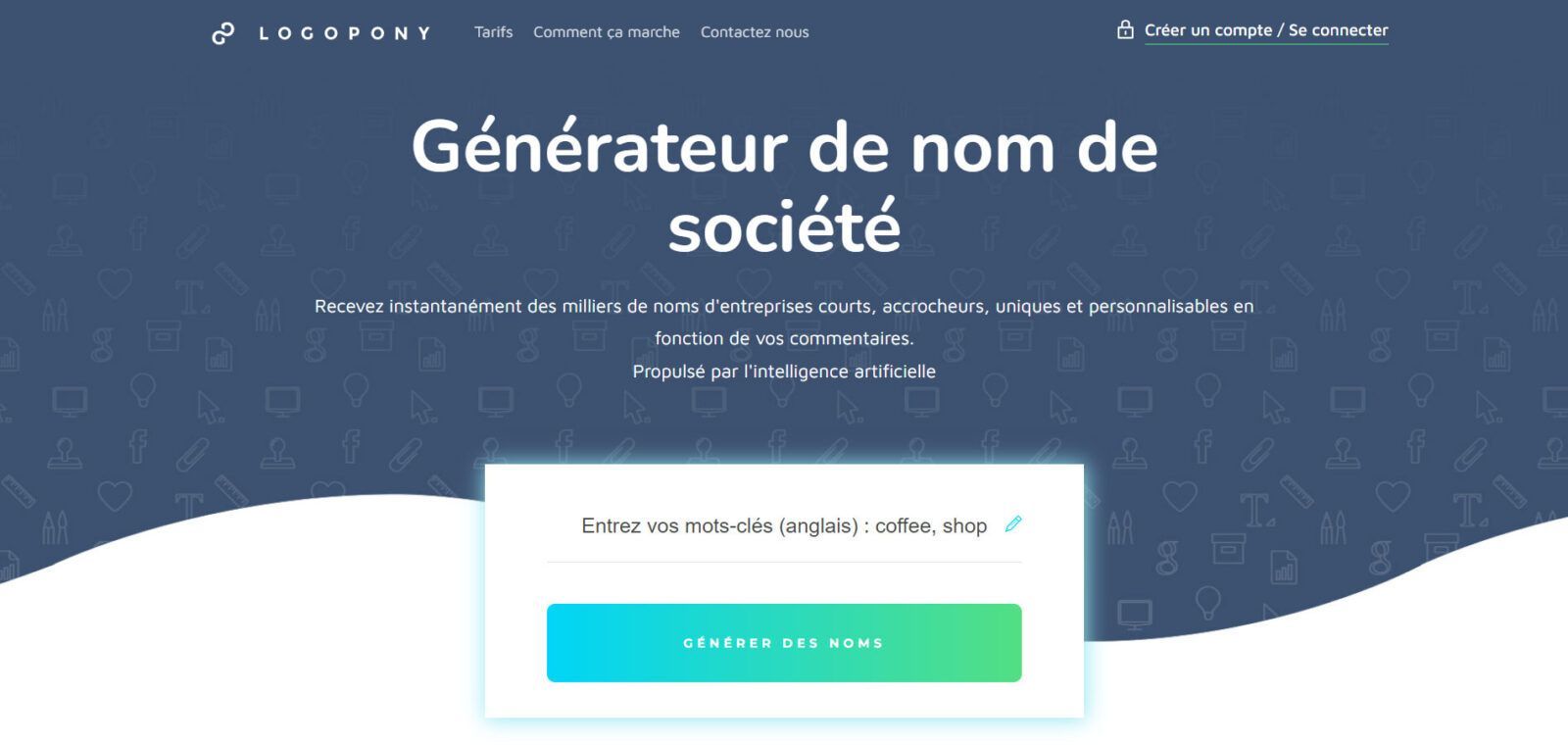
Logopony uses artificial intelligence to generate thousands of naming ideas from millions of possible combinations. Its algorithms are specifically trained to produce catchy, customisable, unique, and concise business names.
4. SpinXO WordPress Names
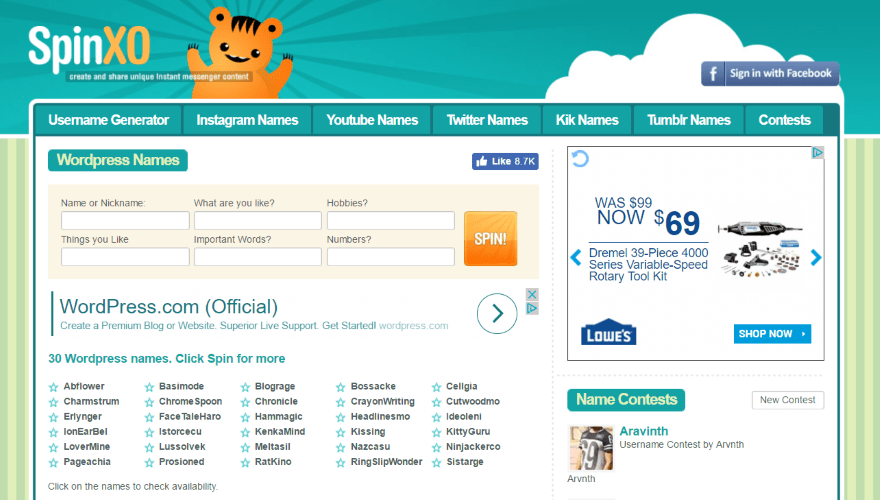
SpinXO WordPress Names makes suggestions based on your answers to its questions. Enter your name, things you like, your hobbies, and any important words and numbers. The generator suggests 30 names. Click Spin again to generate a new list.
It is worth noting that, like the other generators on this list, SpinXO WordPress Names is in English. For non-English speakers, answering the few questions the generator asks may be problematic, whereas another generator on the list might only require one or two keywords.
5. Lean Domain Search
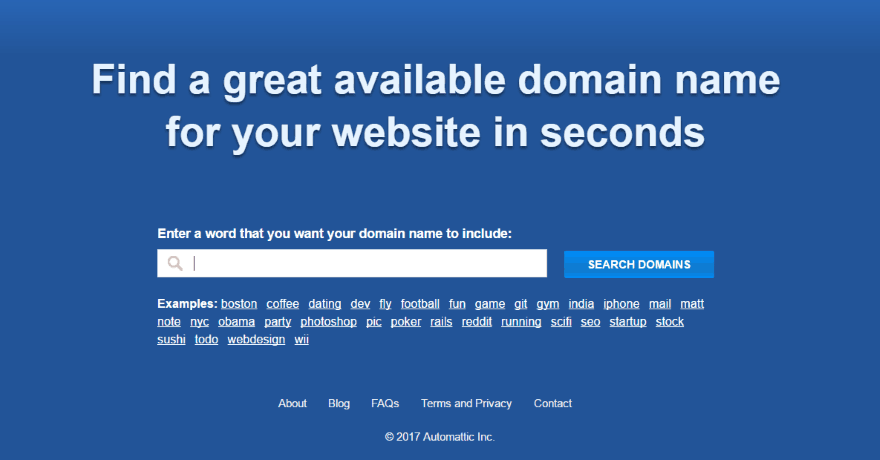
From the creators of WordPress, Lean Domain Search uses a keyword to suggest around a hundred options. Available names appear in green, taken names in red. You can click the star icon next to a name you particularly like; it will turn yellow. You can then display only the yellow names — your favourites.
6. NameStation
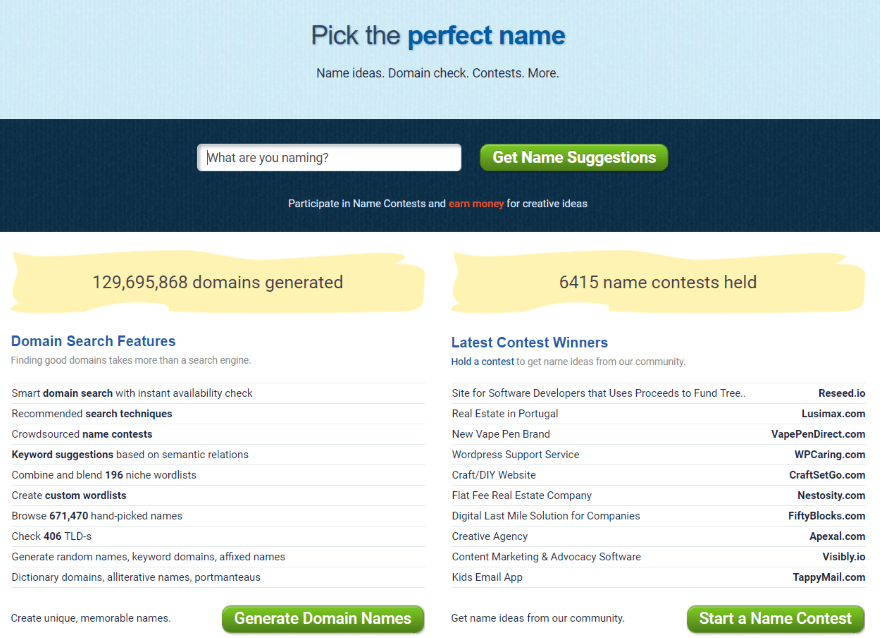
With NameStation, enter a keyword and then select the appropriate tags to refine your search as you wish.
You can filter the results to see names that contain your keywords, alterations, plurals, and more.
7. Domainr
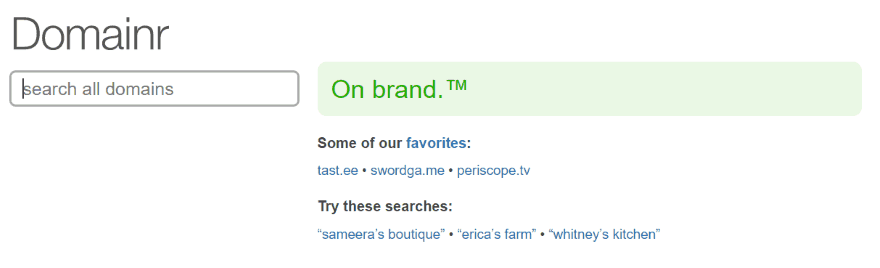
Domainr makes suggestions as you type each letter. Available names appear in green, with a link to purchase them.
8. Panabee
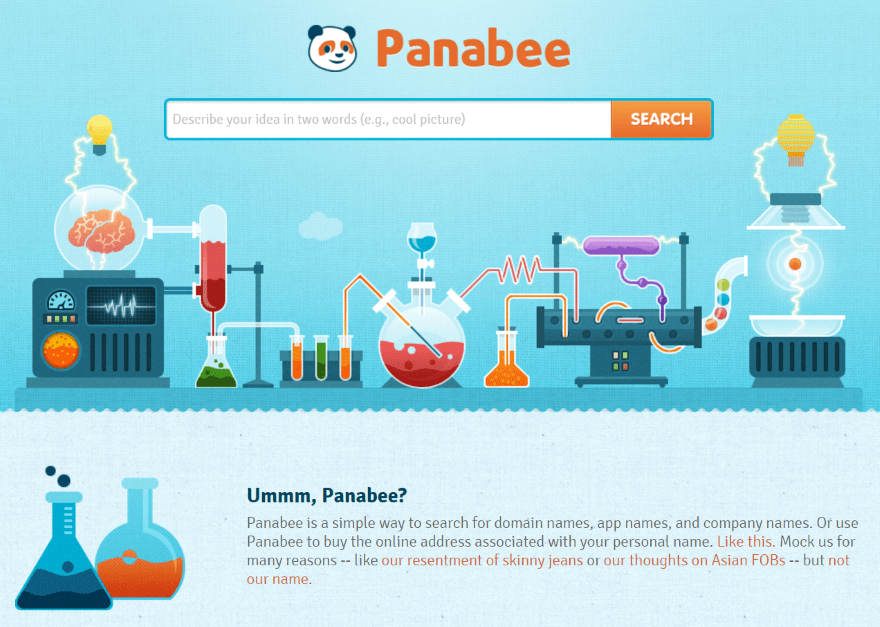
With Panabee, describe your idea in 2 words and discover suggestions based on those words. Suggestions are ".com" by default, but you can choose to view other extensions if you wish.
Each suggestion is accompanied by a heart icon. If the heart is blue, the suggestion is available and its price appears with a link to buy it. If the heart is red and broken, the name is no longer available and a link will direct you to similar names.
9. DomainsBot
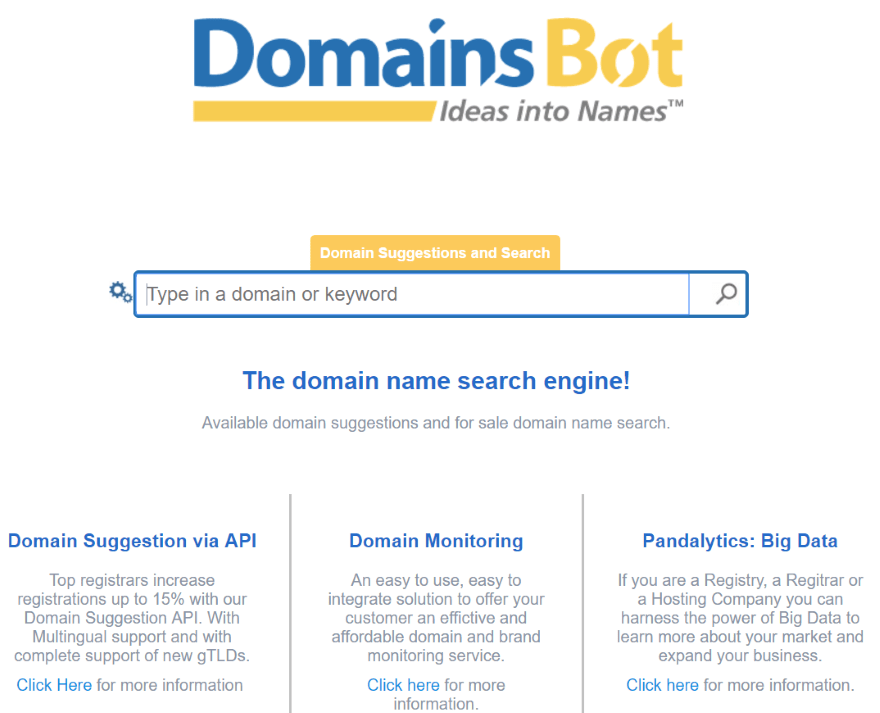
DomainsBot suggests dozens of domain names based on your keywords. Three options for each suggestion: available, make an offer, or view the price. Each one includes a purchase link.
You can refine the results by adjusting extensions, languages, synonyms, prefixes, suffixes, availability, and more.
10. Bust a Name
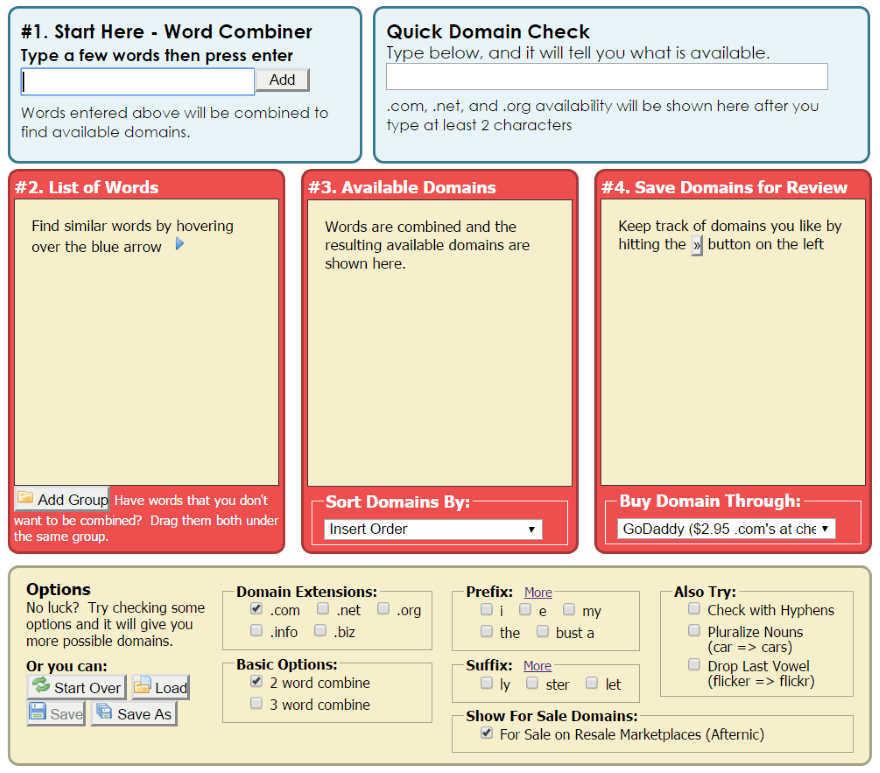
Bust a Name lets you enter a large number of keywords and combine them in various ways to create domain names. You can remove certain keywords or select terms related to them, create word groups, or forbid certain word combinations.
You can sort the results, purchase names, or save your searches to return to them later.
11. Dot-o-mator
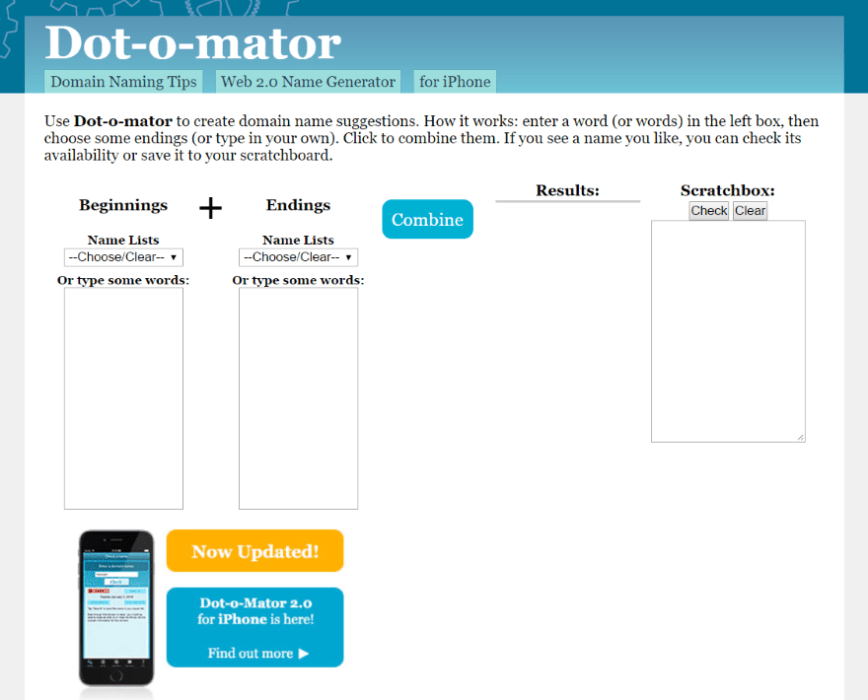
Dot-o-mator combines words according to your selections from its dropdown lists or words you have entered into 2 separate fields.
The more words you enter, the better.
The results show the number of available names and the number already taken. Clicking on an available name reveals its purchase option and lets you see its availability across several domains.
12. Nameboy
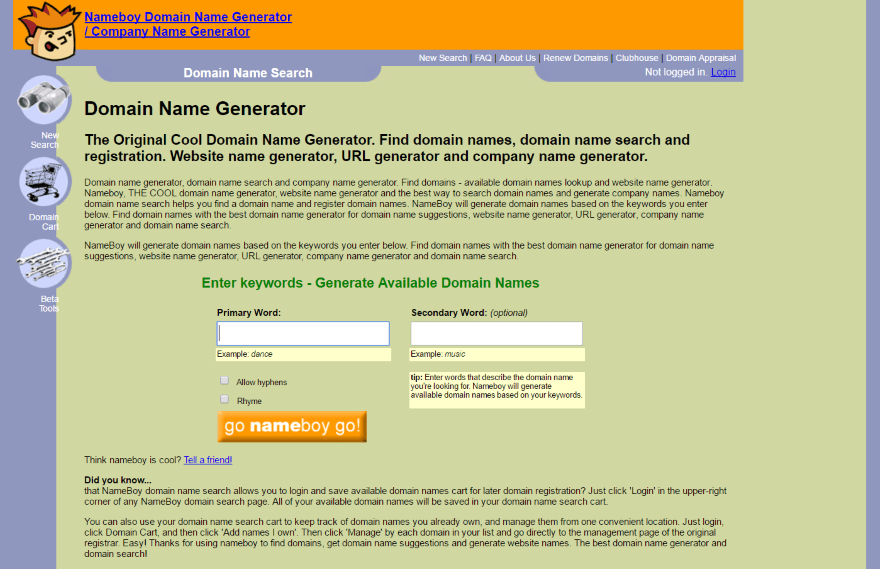
Nameboy lets you enter a primary keyword and an optional secondary one, and choose whether to allow hyphens and rhymes.
Results appear in a table listing availability across several extensions using a colour code. You can select your preferred extension and add it to the basket, or make an offer.
13. Wordoid
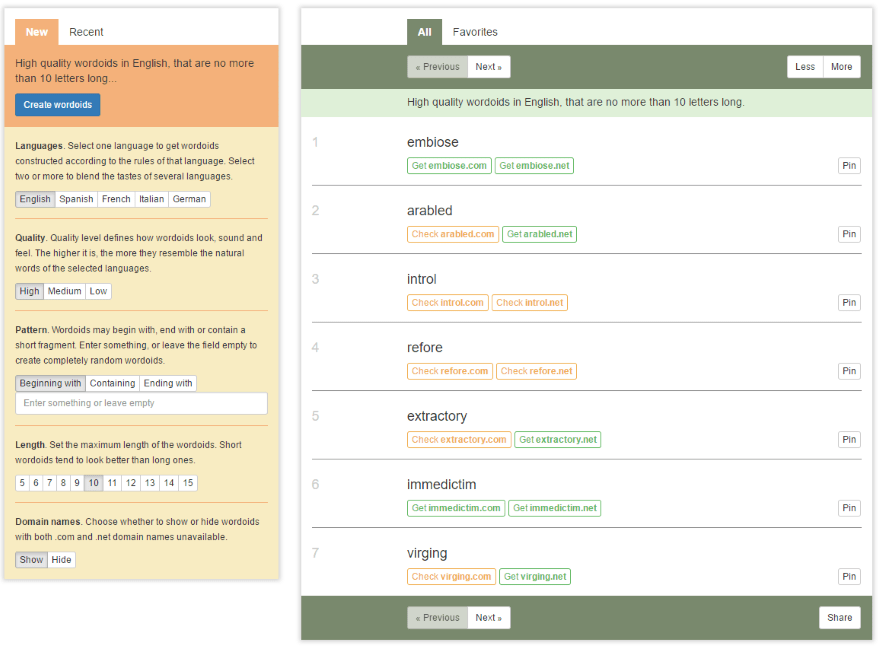
Wordoid invents words based on your input. Choose your preferred sound (up to 5 different languages), the quality level (how closely the final name will resemble your original word), the position of your word (at the beginning, middle, or end), and the length (5 to 15 characters).
Results are displayed in boxes showing availability with purchase links. You can add names you like to your favourites.
14. DomainIt's generator
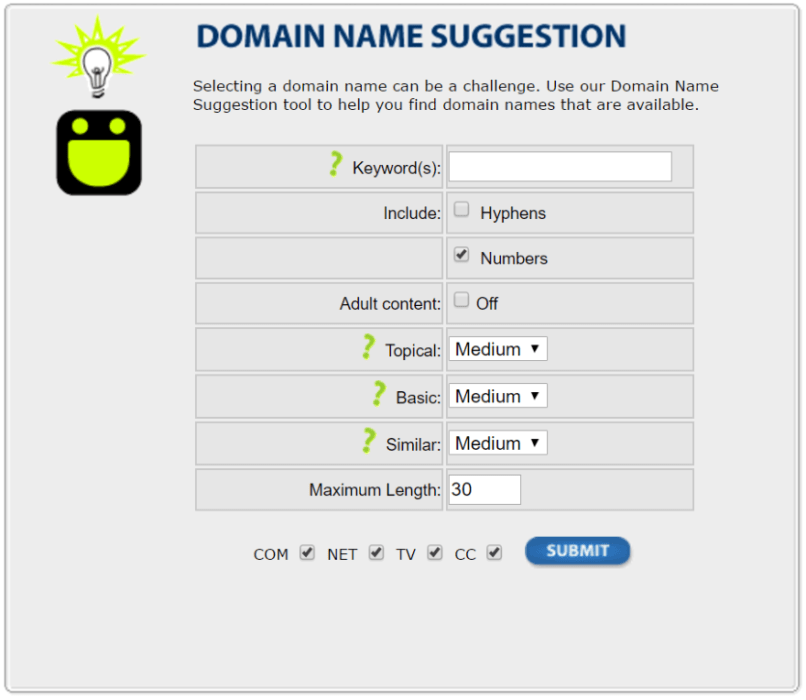
DomainIt's generator lets you enter your keywords and adjust various options (presence of hyphens and numbers, "adult content" filter, use of geolocation, prefix, suffix, similar terms, length, extensions, etc.).
15. Cool Name Ideas
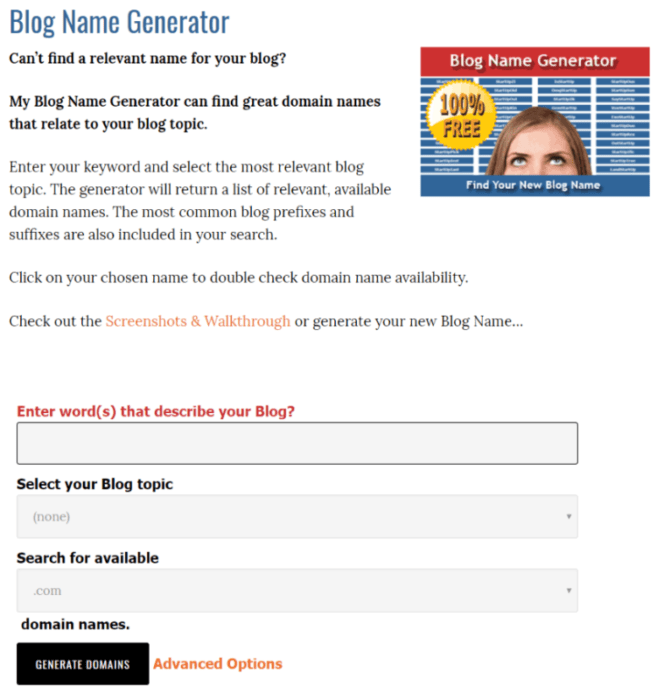
With Cool Name Ideas, enter keywords that describe your site, then choose your main topic to generate domain names.
The site generates thousands of suggestions. Clicking on a word opens a popup showing whether the domain is available and whether the username is available on Twitter.
16. Impossibility
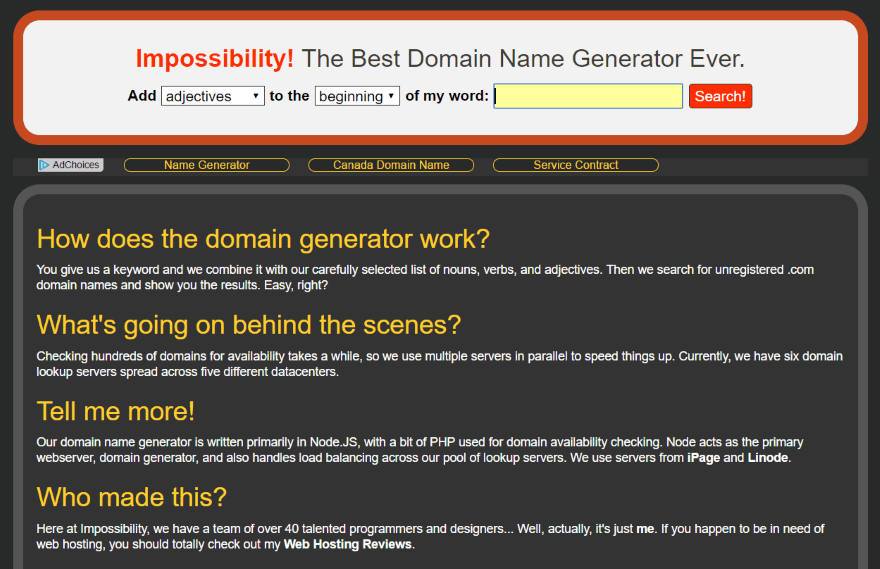
Impossibility lets you choose between 4, 5, and 6 letters, and between adjectives, verbs, and nouns, to add at the beginning or end of your keyword. Available results appear in a short list. Each name is clickable to proceed with a purchase.
17. Namesmith
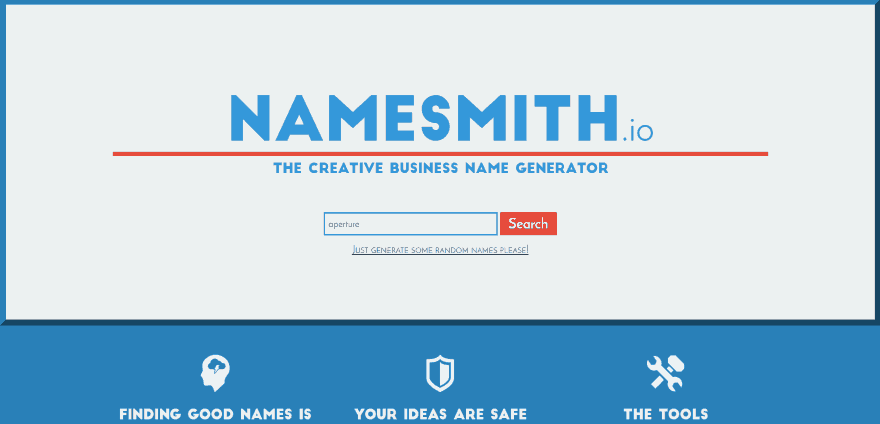
Namesmith displays its results by category: exact keyword match, blends, prefixes/suffixes, rhymes, and modifications. Each category includes available extensions. You can select your favourites. The generator also suggests common names in various styles: modern, Greek, Japanese, and Aztec. Each name has a purchase button.
18. 123 Finder
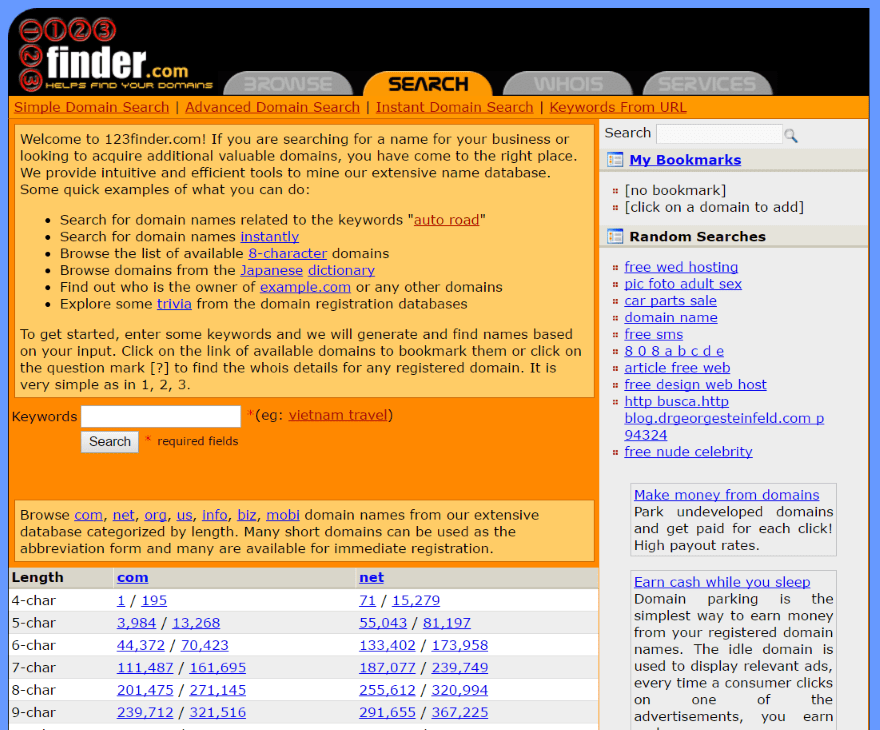
123 Finder lets you enter a keyword and then view the results in alphabetical order. The results screen shows more options: matching names, names that contain the keyword, names that start or end with the keyword. You can also adjust several criteria: minimum and maximum number of characters, hyphens, and numbers.
19. Domain Puzzler
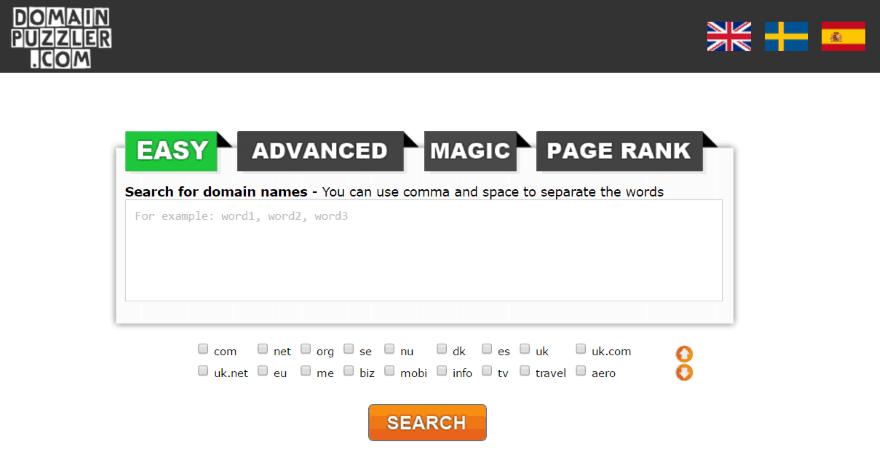
Domain Puzzler lets you enter several domain names separated by commas and displays a list of alternative names.
You can add a name to your favourites. An available name will appear in green, a taken one in red.
You can combine several names and add words.
If finding the ideal domain name can be tricky, these generators may help you think of new angles you might not have considered at the outset. They can even create a brand-new word just for you.
Freely translated from Elegentthemes
YOU MIGHT ALSO LIKE
UGC, the future of marketing: How user-generated content can revolutionise your marketing strategy
by Yumea, 7 March 2023
UGC (User Generated Content) is changing the game in the world of marketing. With the rise of social media and content-sharing platforms, ... READ MORE
Category: News , Getting visible online , Social media
Comments: 0
How to use Instagram to reach your audience and drive traffic to your site?
by Yumea, 1 February 2023
Social media has become an indispensable tool for businesses looking to reach their target audience and drive traffic to their website. With more than 3.8 billion active users of ... READ MORE
Category: Getting visible online , Instagram , Social media
Comments: 0
7 Artificial Intelligence (AI) software tools to know in 2023
by Yumea, 12 January 2023
In 2023, there are many sites that use artificial intelligence (AI) to help users write content and generate images. If you are looking for tools to help you write ... READ MORE
Category: News
Comments: 0