
Whether it is for creating a logo, planning a website's design, or simply sharing a file, having the right tool can always save us time and money.
In this area, Chrome apps are extremely practical yet are often forgotten and overlooked.
The range of features available through Chrome Apps is nonetheless impressive. However, finding the app you are looking for can be a real headache in the Chrome store.
To help you out, we have gathered here 15 of the most useful Chrome apps for web designers and WordPress users.
1. Google Drive – Free
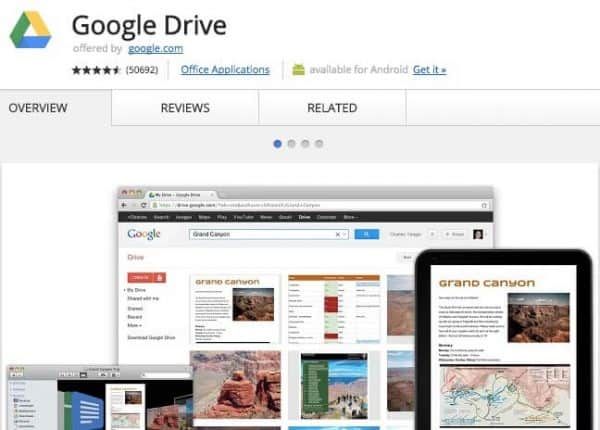
You are no doubt already familiar with Google Drive; it is an efficient solution for storing and managing files across multiple devices.
The Google Drive Chrome App offers all the features of a desktop version, as well as the ability to access and edit your documents (Docs, Sheets, Slides) offline.
This is very handy, especially when you plan to work or travel somewhere without an internet connection.
Noteworthy features of this Chrome app:
- Edit Docs, Sheets, and Slides files offline
- Access files across multiple devices
- Search function to find a file more easily
- 15 GB of storage
2. Pixlr Editor – Free
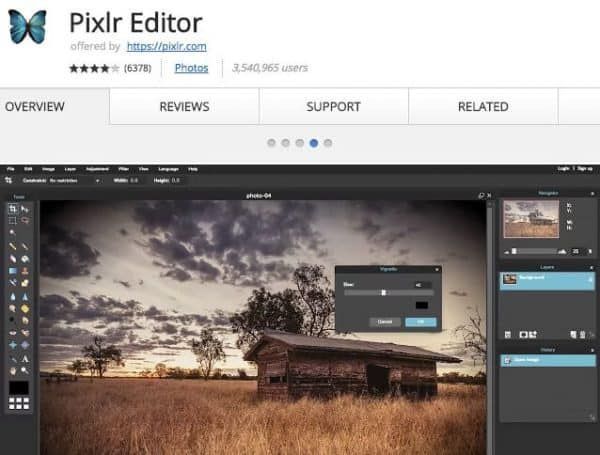
If you are looking for an image editor without necessarily using paid software such as Photoshop, Pixlr Editor is the solution.
It is obviously not as powerful as Photoshop. But it will allow you to carry out most basic graphic manipulations.
Noteworthy features of this Chrome app:
- Layer function
- Lasso and Clone tools
- Red-eye correction tool
- Level, curve, hue, and saturation adjustments
- Gaussian blur, noise, and tilt-shift filters
3. Codeanywhere – Free
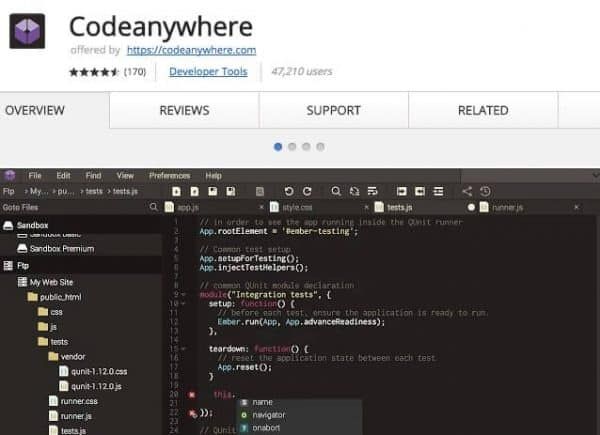
If you are looking for a code editor, Codeanywhere is a Chrome app worth considering.
It includes all the features you would expect from a code editor, including syntax highlighting and the ability to manage large multi-file projects.
Codeanywhere is perfect if you want to learn to code, or to try an alternative for your WordPress site.
Noteworthy features of this Chrome app:
- Can connect to Dropbox, Google Drive, or an FTP server
- Syntax highlighting in more than 75 languages
- Advanced search function
- Allows sharing of servers, folders, or files
4. Todoist: Task List – Free
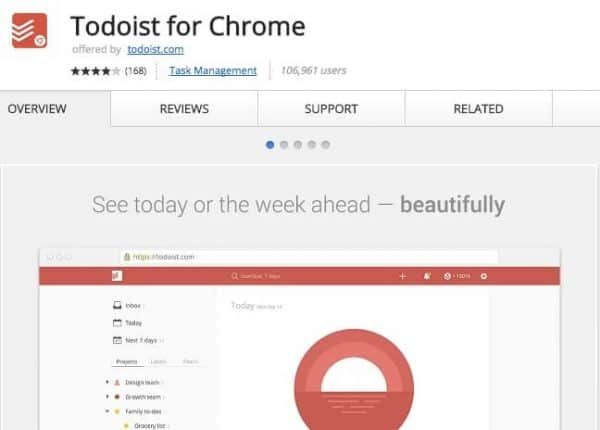
Todoist is an intuitive and elegant management tool. Ideal for tracking all projects and tasks related to a WordPress site in real time, for example. Todoist is also available as a mobile app.
Noteworthy features of this Chrome app:
- Create projects to organise tasks
- Ability to create recurring tasks
- The gamified "Karma" system boosts productivity
5. Gmail Offline – Free
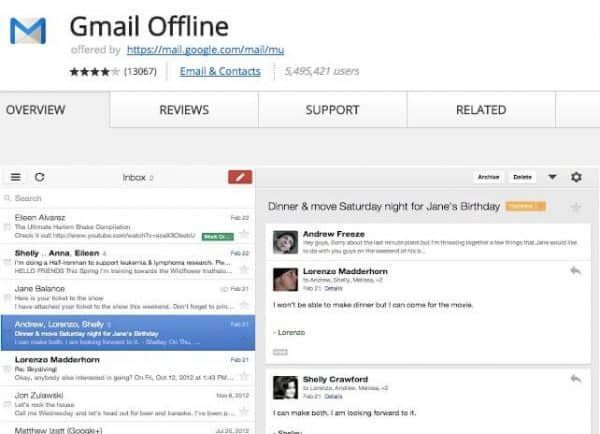
Gmail Offline is a simple and efficient interface that lets you access your emails without an internet connection.
We all know the frustration of being unable to access project briefs or other important information from clients due to an unstable internet connection.
Gmail Offline prevents this. Once installed, received emails are saved automatically and are therefore readable when you are offline.
In the same way, you can write your messages offline; they will be sent to the relevant recipients automatically once you regain connectivity.
Noteworthy features of this Chrome app:
- Ability to search and archive messages
- Fast, responsive interface
- Automatically syncs your messages when an internet connection is available
6. Hootsuite – Free
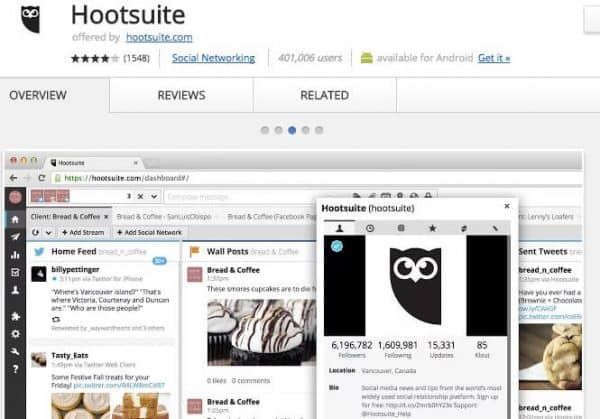
Hootsuite is a tool for analysing and scheduling your posts across social media.
Combined with a WordPress site, Hootsuite will help drive additional traffic to your posts.
Noteworthy features of this Chrome app:
- Manage Facebook, Twitter, LinkedIn, and Google+ accounts
- Track and monitor keywords
- Measure and analyse social media traffic
- Schedule posts and assign tasks to team members
7. WeVideo – Free (but paid to export without watermark)
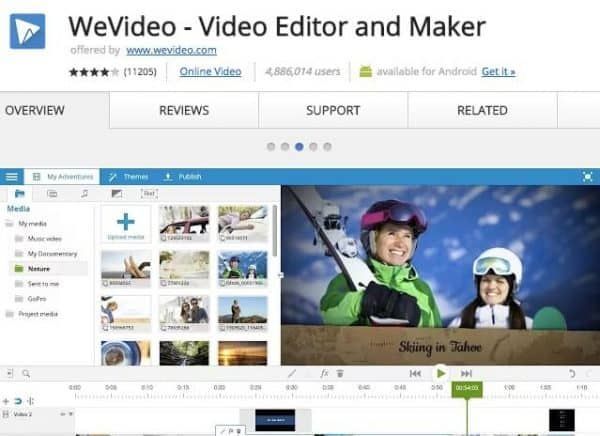
WeVideo enables you to edit and export videos. Although it cannot replace a robust desktop application, WeVideo offers the features needed for basic video editing tasks.
For simple, occasional video editing, WeVideo is worth trying.
This app also integrates with Google Drive, allowing you to store video files securely in the cloud — a great way to free up space on your hard drive.
Noteworthy features of this Chrome app:
- Timeline, Storyboard, and Advanced modes to suit both beginners and experts
- Drag-and-drop media files in the desired order
- Add text, music, transitions, and other effects
- Record video or audio directly from the app
8. Pocket – Free
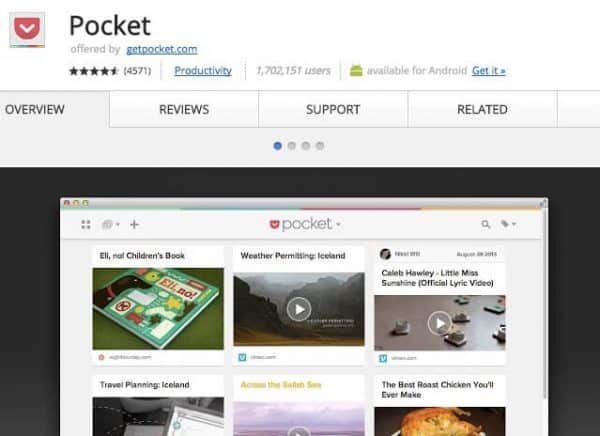
Pocket is a Chrome app that lets you save articles and web pages to read offline.
The app removes all superfluous elements, delivering a clean, distraction-free result.
Pocket helps you declutter your digital workspace by preventing the accumulation of dozens of open tabs with unread articles.
Noteworthy features of this Chrome app:
- Save any type of web page
- Remove adverts and extraneous elements from pages
- Search and archive functions
9. TrackingTime – Free
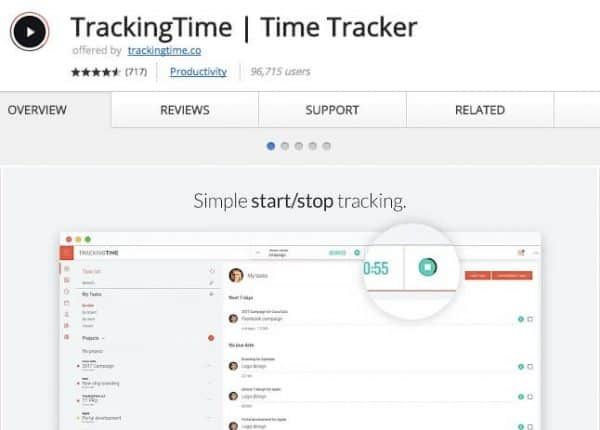
TrackingTime allows you to track your employees' work progress in real time.
This makes it easy to coordinate and monitor the work of a large number of employees. If your WordPress site involves more than just one person, this Chrome app can be very useful.
Noteworthy features of this Chrome app:
- Task tracking
- Built-in collaboration tools
- Ability to comment on tasks
- Ability to create subtasks
- Time and performance analysis
10. Send Anywhere – Free
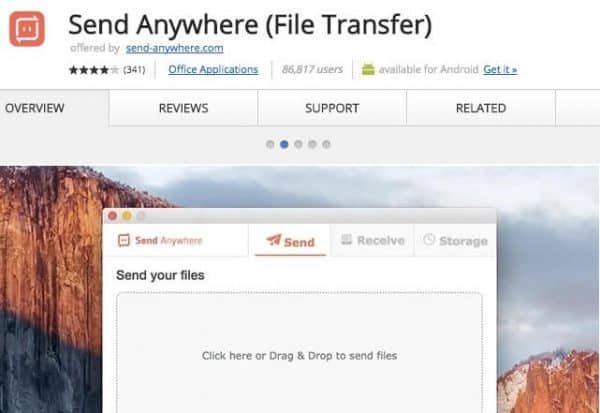
Send Anywhere enables straightforward file transfers. There are no restrictions on file size or location; all you need is an internet connection. For a website project requiring the remote transfer of large files, Send Anywhere is the solution.
Noteworthy features of this Chrome app:
- Compatible with multiple platforms
- Send files of any size
11. Pomodoro Timer – Free
Pomodoro Timer uses the Pomodoro productivity technique. This involves working in 25-minute intervals followed by 5-minute breaks.
And this Chrome app optimises it further. There is no better way to overcome procrastination and make progress on important projects.
Noteworthy features of this Chrome app:
- Sound notifications
- Productivity statistics
12. Chrome Remote Desktop – Free
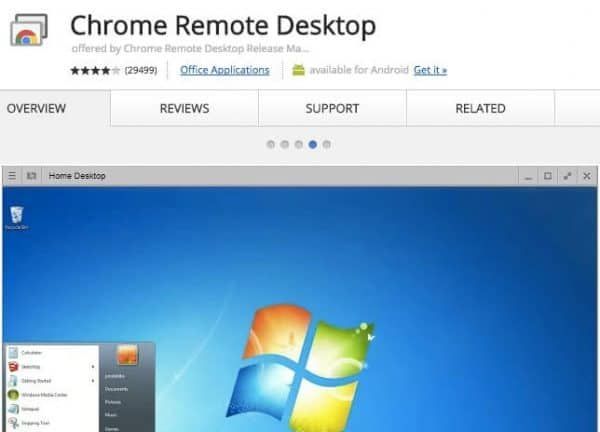
Chrome Remote Desktop is a Chrome app that lets you access another person's desktop. It is the perfect solution for viewing a site or page live at the same time as a colleague who is not in the same room.
Noteworthy features of this Chrome app:
- Secure connection to other computers
- Short or long sessions
13. Sketchpad 3.5
Sketchpad 3.5 is a Chrome app used for creating sketches and drawings.
In the early stages of a WordPress project, it can be useful to produce a few rough sketches. Sketchpad 3.5 allows you to do this directly from Chrome.
Noteworthy features of this Chrome app:
- Image and vector editing
- Built on HTML5
- Customisable painting tools
14. Gliffy Diagrams – Free
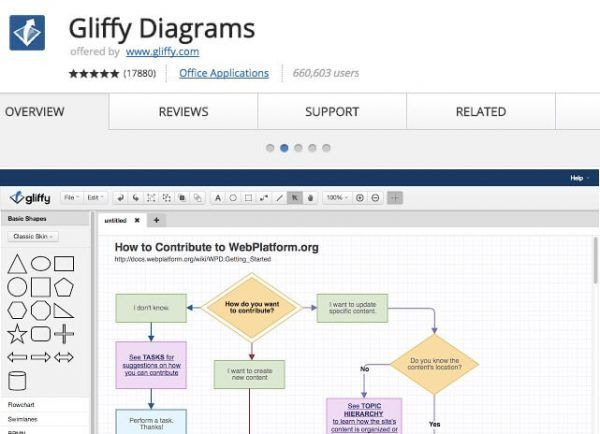
After sketching the design, the next step is usually the wireframe. Gliffy Diagrams is the perfect tool for this. It can also be used to create diagrams to map out the user experience and site functionality.
Noteworthy features of this Chrome app:
- Ability to create flowcharts
- Export in .jpg or .png format
15. Awesome Screenshot – Free
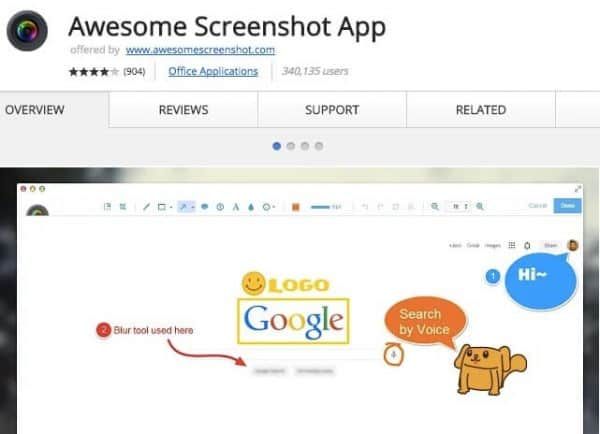
Awesome Screenshot lets you take screenshots of your pages and annotate them directly from Chrome.
For creating tutorial articles, which generally require screenshots, this is the ideal solution.
Noteworthy features of this Chrome app:
- Define the screenshot area
- Annotation using text and pre-designed shapes
- Ability to save the image locally or to Google Drive
The Chrome Web Store therefore offers numerous solutions to make day-to-day web work easier.
It is easy to feel overwhelmed by all the options on the Chrome Web Store. But after reading this article, you may have a better idea of the types of apps available and the benefits they offer.
(Freely translated from Elegantthemes / Images: Elegantthemes & Wikipedia)