
If you are active on social media, it is almost certainly to ensure greater visibility and potentially attract new customers. Facebook is one of the most widely used social networks and, with a very diverse user base (albeit an ageing one), you are right to create a page for your business.
But then, after a few months, your page is seeing no new followers, the number of subscribers has stagnated, and you are starting to question the value of your presence on this platform.
Before throwing everything into doubt (and no, your presence is not pointless!), why not try a feature Facebook makes available to help you reach broader and more precisely targeted audiences? That feature is the post boost.
What does it offer? How does it differ from Facebook Ads? How do you go about it? Let us take a tour of this handy little feature that could really pay off for you.
Why use the Facebook 'boost'?
As you know, Mark Zuckerberg likes to make things complicated for us, and his platform's algorithm is not exactly generous with users. To work around it and give yourself a fighting chance, there is fortunately the boost, which can help you grow the visibility — and therefore the reach — of your posts.
To be frank, it does seem as though everything is set up in a way that nudges you into paying to turn your posts into boosted ones. Indeed, if you want to increase the reach of your posts, you will need to invest a little money, as people who do not already follow your page have very little chance of seeing your content.

As part of a social media growth strategy, you can play the long game and gradually build your page's reputation. This process is slow, laborious, and can even be disheartening (even if seeing your efforts pay off thanks to a solid strategy is always satisfying). Patience, or making the most of the tools available to give your page a boost… you will not hesitate for long, and that is exactly where the boost becomes tempting. The people reached by your sponsored posts make up your paid reach.
But the same applies from an organic reach perspective (views from within your community, without paying) — and that is where the catch lies. Be aware that even if your page has a large community, that does not mean all those members will see your content. Quite the opposite. This dimension may also prompt you to use the boost, to ensure that all your followers can actually see your posts.
How do I know what I should boost?
Just because it is 'simpler' to set up does not necessarily mean that the boost is cheaper than traditional Facebook Ads. It will depend on your strategy and the budget you wish to allocate to your social media advertising.
Of course, the mistake would be to assume that every post you publish is worth boosting. It is not. We are not questioning the quality of your content — far from it — but you do need to determine what will actually generate returns.
The goal of a boost is to increase visibility, but also, and more importantly, to turn your strategy into a genuine magnet for new followers or customers. It is therefore essential to identify which types of content engage users most and may encourage them to take the next step (following your page, purchasing from your site, etc.).

The most worthwhile content
We will not dwell on the fact that your visual and written content must be high quality — that goes without saying. But here are our recommendations for the types of posts that are worth boosting:
-
Videos
We cannot say it enough: videos are the type of content that generates the most engagement. -
Promotional offers
Presenting a special offer or exclusive deal can persuade the more hesitant among your audience to finally make a purchase. It is also a way to demonstrate your competitiveness in the market, if that is one of your objectives. -
Competitions
Some may see them as a gimmick, but they are undeniably effective. Giving people the chance to win a prize by taking part in a simple challenge always draws attention. Just make sure you follow Facebook's rules for running competitions, to avoid penalties or even a ban. -
Posts that are already performing well organically
If one of your posts is already achieving a strong engagement rate within your community, with no sponsored push from your side... it means it could appeal to an even wider audience. Do not hesitate to allocate a small budget to amplify its success. Facebook will value it even more given its strong organic performance.
Until recently, Facebook penalised images containing too much text. The algorithm worked against you even if you tried to sponsor the post. Fortunately, the rule changed a few months ago and we can now (for the time being) boost visuals that include text. Perfect for promotional posts, in particular.
Stay attentive and adaptable
As you know, nothing is set in stone on social media. That is why you must take your results into account for every sponsored action you run. Facebook gives you access to statistics that are relatively detailed and straightforward to understand — make the most of them. You will be able to see, for example, whether you gained followers thanks to a particular post.
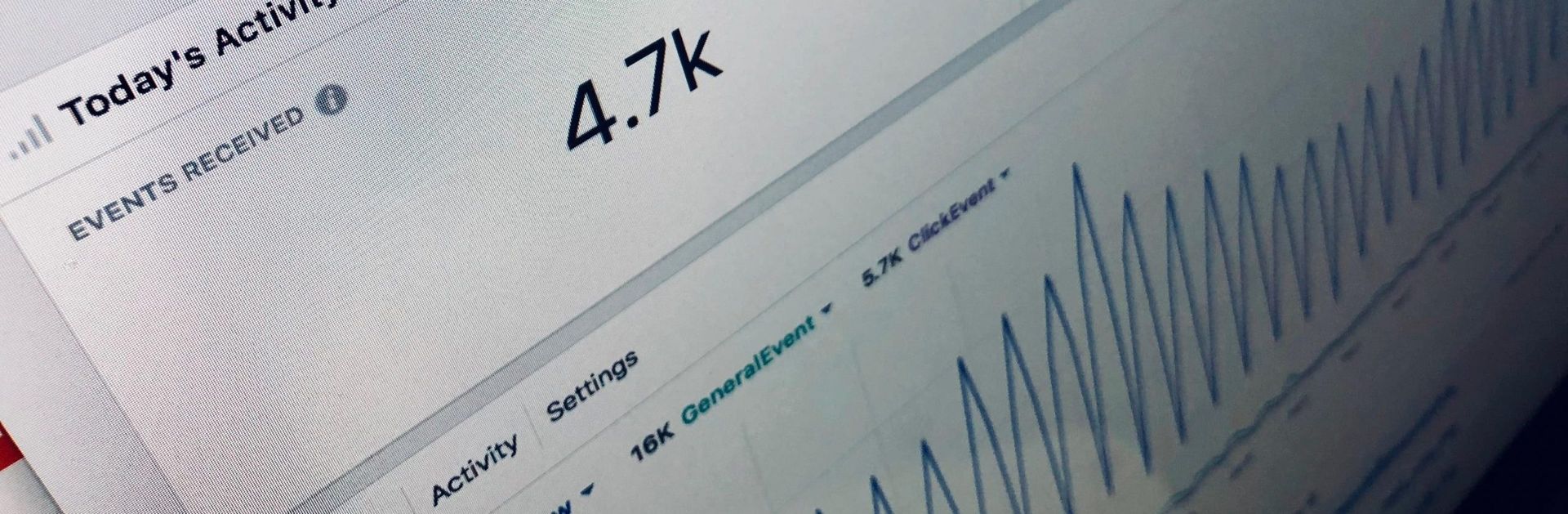
Finally — and this is advice we have been giving for a long time — take inspiration from the posts that have already worked with your target audience. It is always good to run tests to identify the content strategy you want to put in place. You can allocate small budgets to different types of posts and then analyse their performance.
Once you have identified which posts have delivered the best results, there is nothing wrong with replicating the same approach for your future sponsored content.
And how do you go about it in practice?
When you are on your Facebook page, identify the existing post you want to promote.
Here are the steps to follow:
-
Click the "Boost Post" button at the bottom right of the post
-
Review your post one last time, as it will no longer be editable once boosted
-
Choose the audience you want to reach
This audience can be suggested based on your current followers' data, but you can also define its characteristics yourself (age, location, interests, etc.) -
Set your total budget for the post
-
Select the desired duration
-
Add your payment method
-
Click "Boost"
That is all there is to it. Your post will be sponsored within minutes, and all you will have to do is watch the results come in.