
A good colour palette is fundamental to any good website design.
If you have a website — whether a showcase site or a shop — you will know that visitors can leave very quickly and never return if the visuals are not attractive. And that is without even looking at your content or your offering, however good they may be. If you are planning to launch such a site, this is equally essential information to be aware of and to factor in.
However, it is not always easy to find the colour palette that suits you. In such cases, a colour generator can help you select the right combination to achieve the atmosphere you want to create on your site.
We have therefore listed 19 practical and free colour generators to help you choose the perfect colour palette for your site.
If you would like, before choosing your colour palette, to think about the colours you want to display and the values and image you want to project on your site, our article on the meaning of colours in web marketing will give you more detailed information!
1. Coolors
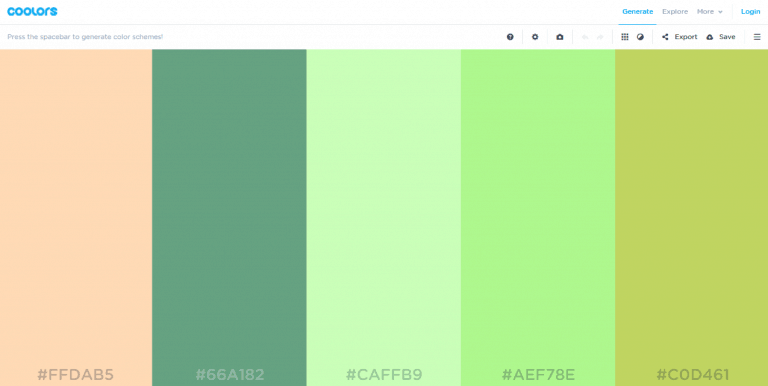
Coolors is a tool that brings together several rather practical features.
The interface displays an interactive colour screen. On this screen, you can edit each colour, swap their order, and expand them to discover a selection of varied shades.
You can also lock the colours you like and automatically generate options for the remaining colours by pressing the space bar.
You can also load an image for inspiration, explore pre-made colour palettes, and export your own in six different formats.
Coolors is also available as an iOS app and an Adobe add-on.
2. Paletton
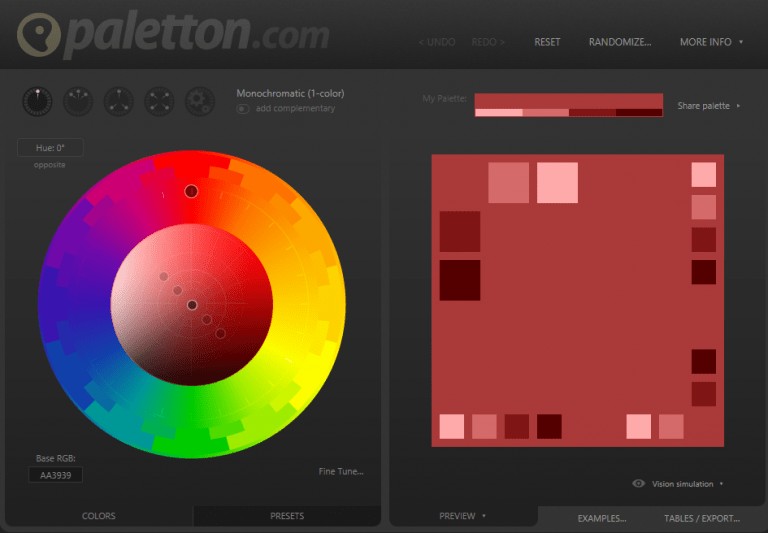
Paletton includes a wealth of customisation options to help you create a harmonious colour palette that reflects your identity.
You can use the preset options or build your palette from scratch. Paletton offers 34 visual effects, ranging from a glossy look to black neon.
One of Paletton's best features is the ability to preview the final result. With just one click, the tool generates the visual of a mock website using your selected colours.
Once you have finished adjusting, you can export your palette in numerous formats, including a CSS code or a PNG colour swatch.
3. Adobe Color CC
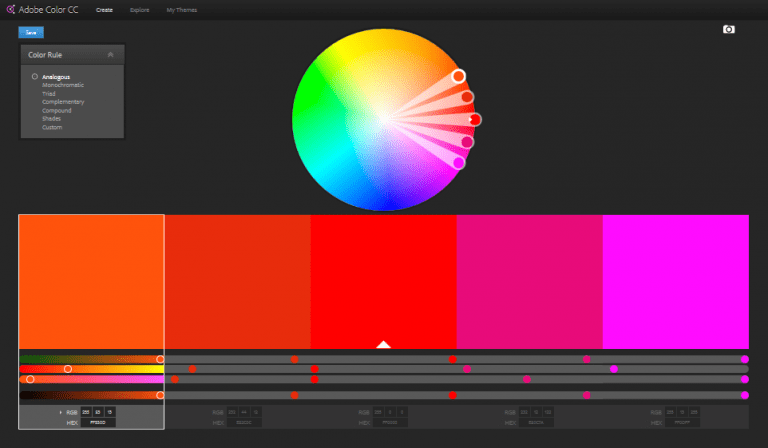
Adobe Color CC lets you create a palette from scratch, use an image, or choose from palettes in the Adobe community.
Once you have a starting point, you can use colour rules (Monochrome, Triad, Complementary, etc.) or make adjustments manually to find the tones you want.
If you use an image, you can apply several effects to customise your palette.
The interface is fairly intuitive. But truly mastering this tool will take a little more time than some of the other palette generators.
4. ColoRotate
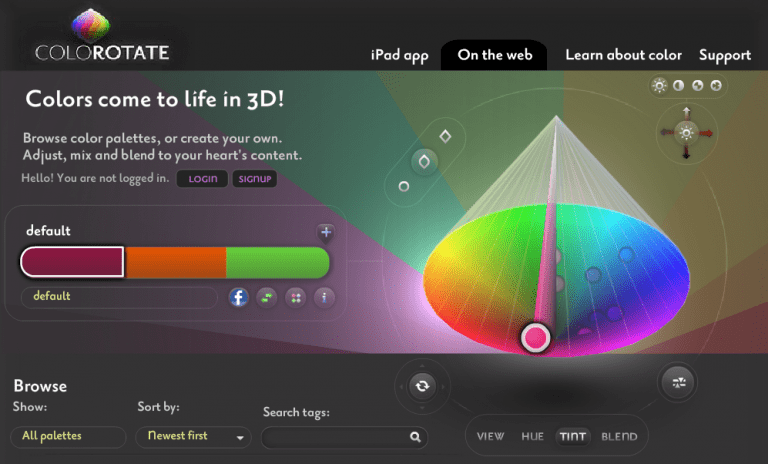
ColoRotate has the distinctive feature of presenting a palette in 3 dimensions.
Here again, you can design your palette from scratch, load an image, or take inspiration from the online community.
ColoRotate's interface is rather complex and can be intimidating at first glance. However, after spending some time exploring the tool, you will discover surprising results.
5. Mudcube Color Sphere
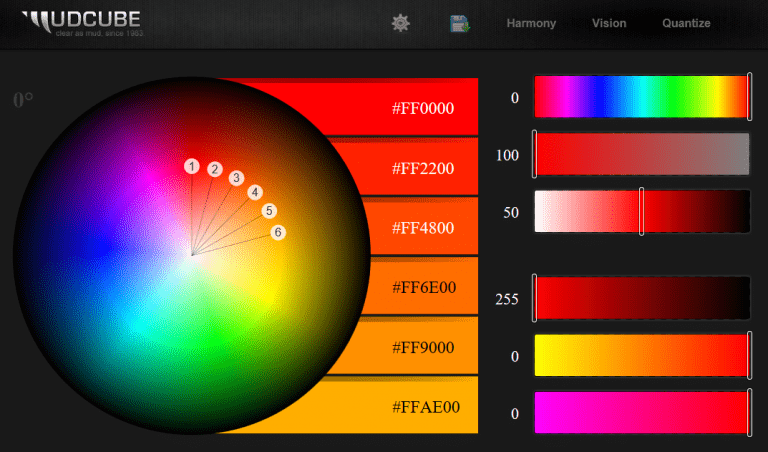
With Mudcube Color Sphere, you can take advantage of 10 different options for automatically generating your palette: Complementary, Neutral, Triad, etc.
Simply select a base colour, choose a colour rule, and adjust the tones until you are satisfied.
Despite the seemingly complex terminology, the interface is actually quite easy to use.
You can save your colour palette in Photoshop or Illustrator format, or save the URL of your palette to return to it later on the interface.
6. ColRD
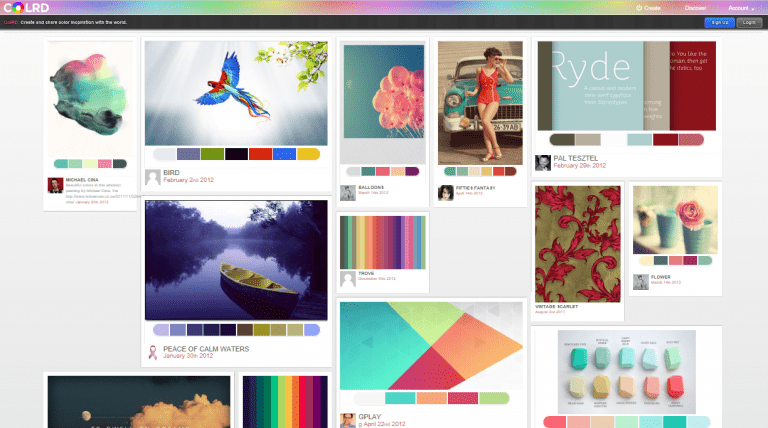
ColRD is an intuitive colour palette generator. Among its many options is the display of a grid of 140 similar colours to the one you are working with — saving you from making endless adjustments to find the exact shade you are looking for.
In addition to being able to build your palette from scratch, you can also load an image. It is worth noting, however, that this process appears considerably slower than on the other generators offering the same feature.
ColRD also contains an online image library, fed by a responsive community, with colour palettes associated with each image.
7. ColorHexa
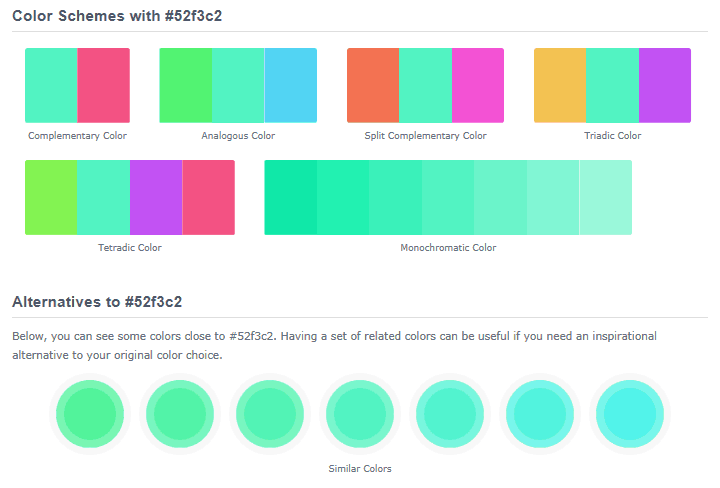
ColorHexa is a self-proclaimed encyclopaedia of colour. On this interface, you can generate your palette using many methods, including creation by gradients, by colour subtraction, or by mixing.
In addition to colour suggestions, you can also enter colour codes in any format and discover the corresponding colour.
As such, ColorHexa is more than a highly practical tool — it is also an excellent source for learning more about digital colours.
8. Colourlovers
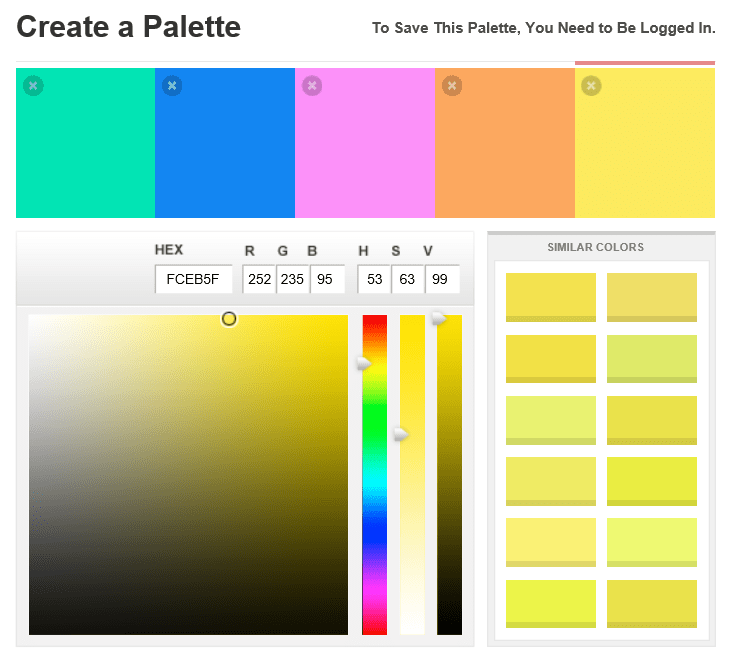
Somewhat different from the other tools listed, Colourlovers is at heart a community website. Its primary focus is on sharing colour palettes or sketches in a shared library.
This tool works best when you already know exactly what colour palette you want to create. There are no options to guide you through building your palette. That said, the tool does suggest 12 similar colours to the one you are working with.
Colourlovers also offers a more advanced palette generation tool: COPASO, which we will discuss next.
9. COPASO
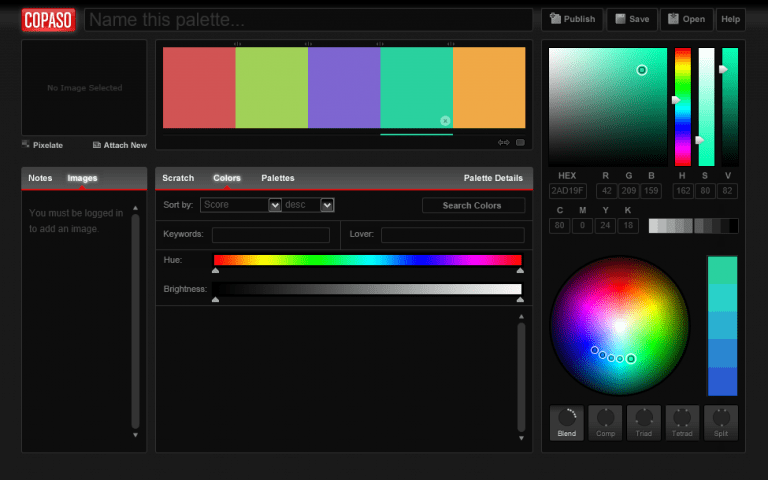
COPASO is the more advanced tool offered by Colourlovers. You will find far more options here for generating your colour palette, including colour rules such as complementarity, triad, and others.
That said, even though COPASO is more advanced than its sibling Colourlovers, it is not the most advanced tool on this list.
Even so, the interface is more complicated to get to grips with than expected.
Here again, COPASO's strength lies in its community. You will find numerous palettes with sublime tones, shared and commented on by members.
10. Colordot
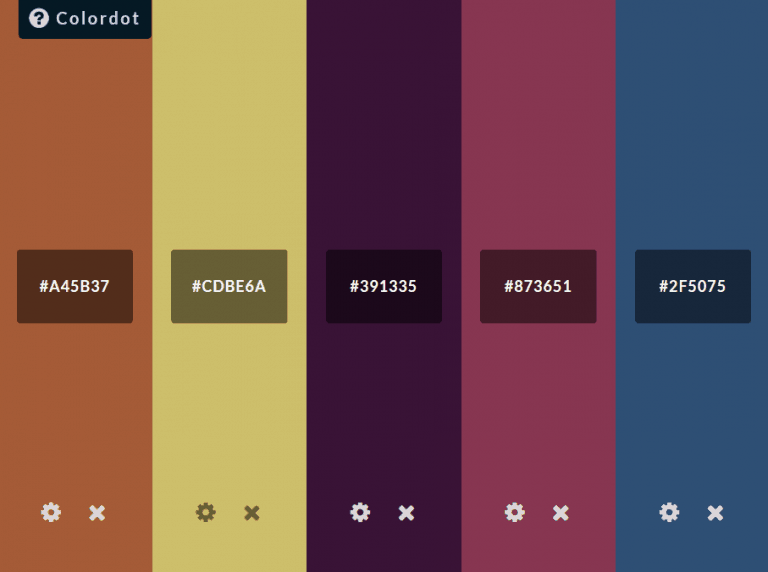
Colordot offers as minimalist an interface as you can get. You change each colour using mouse movements: horizontal movement to change the hue, up and down for brightness, and the scroll wheel for saturation. Once you have found the right colour, simply click to save.
There is no export option. But Colordot automatically creates a unique URL for your palette.
Colordot is also available as an iOS app where you can choose your colours and share your palettes on social media.
11. Colourcode – Toptal
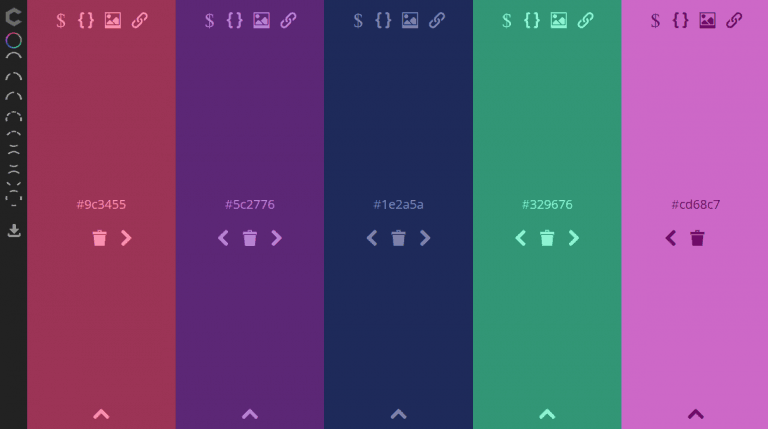
At first glance, Colourcode looks very similar to Colordot. Indeed, you will find the same mouse movement mechanics for changing colours.
But that is only the free part of Colourcode. The full version of the interface offers numerous palette generation options.
You can save your work here as a code, as a PNG file, or via a URL.
12. Palettable
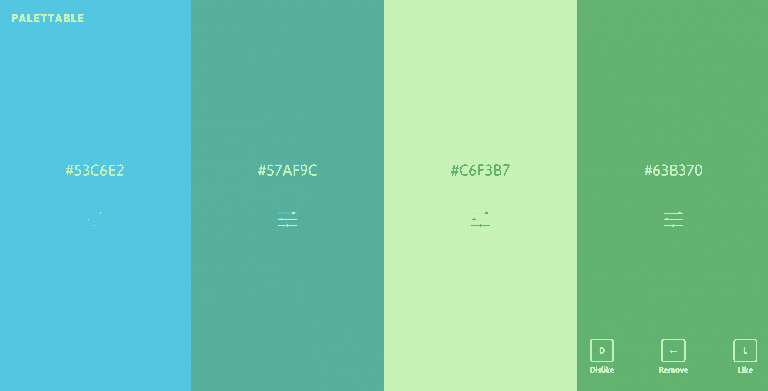
Here is another minimalist colour palette generator. Palettable is reminiscent of Colordot but works differently.
Palettable suggests colours that you can either like, dislike, or customise.
The full-screen display is definitely a plus. It makes it much easier to see how your colours complement each other and work in harmony.
13. Material Palette
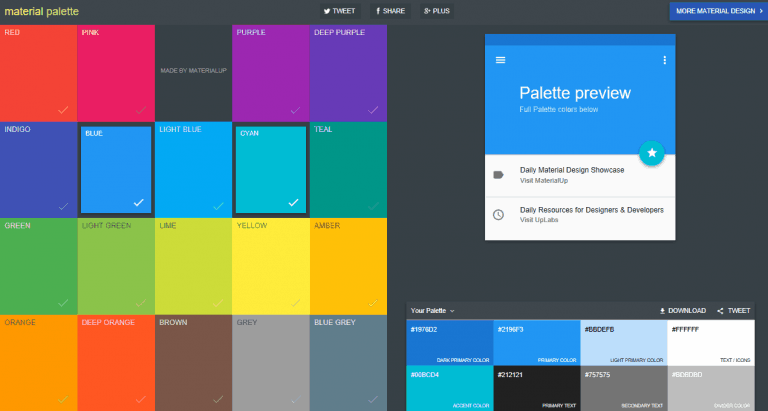
Material Palette by UpLbas is a simple tool that asks you to choose 2 colours from 19. The tool then generates a palette of 8 colours, including the 2 you selected or variations thereof.
Although Material Palette does not offer other functions, it manages to produce fairly striking colour palettes.
The tool also offers suggestions on how you should arrange your colours on your site — including a primary colour, a secondary colour, and both a primary and secondary text colour.
14. Photocopa
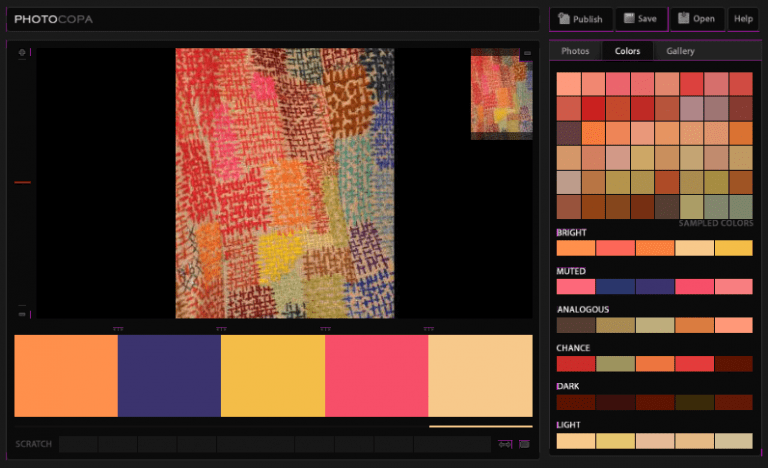
Photocopa is an advanced image-based colour palette generator. After selecting an image to use as a base (either uploaded by you or chosen from the gallery), the generator suggests 48 colours. You will also have 6 different colour palettes to choose from, with several visual effects available.
A simple click opens a new colour palette. However, this tool has one drawback: it is not possible to customise the colours. You are therefore limited to the palettes the tool automatically generates from the image.
15. Colorfavs
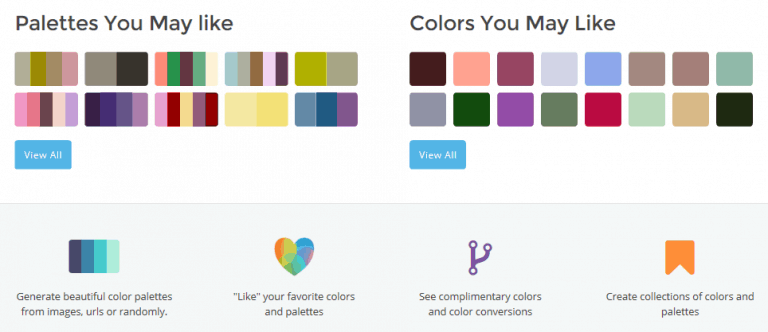
Colorfavs lets you generate colour palettes from an image (uploaded or sourced online), or by setting a few criteria (number of colours, brightness, hue).
The community aspect of Colorfavs also lets you benefit from the advice and suggestions of other members. Another advantage of this tool is its design, which is both intuitive and aesthetically appealing.
16. Pictaculous
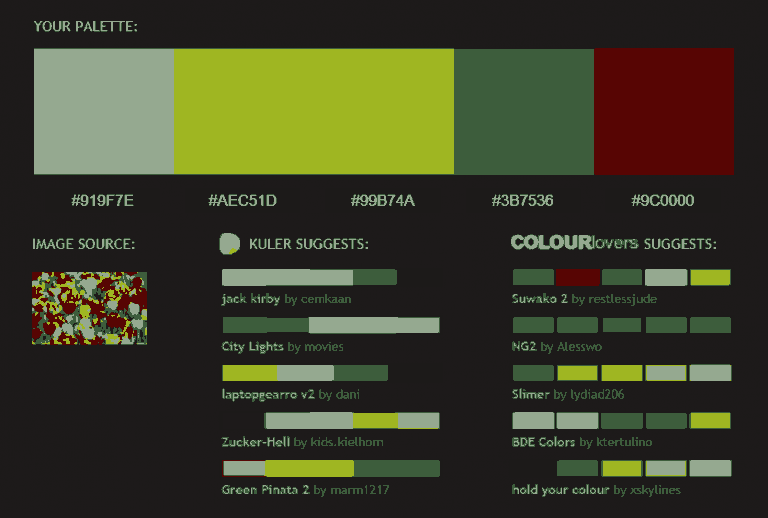
Many people know Mailchimp for its newsletter tool, but one of its less celebrated features is Pictaculous. This image-based generator creates a 5-colour palette once an image is loaded. The tool also suggests palettes from the Adobe Color CC (formerly known as Kuler) and ColourLovers communities.
Although Pictaculous lacks customisation options, it is worth a look for its combination suggestions sourced from Adobe and ColourLovers.
In addition, you can export your palettes as an Adobe file.
17. Palettr
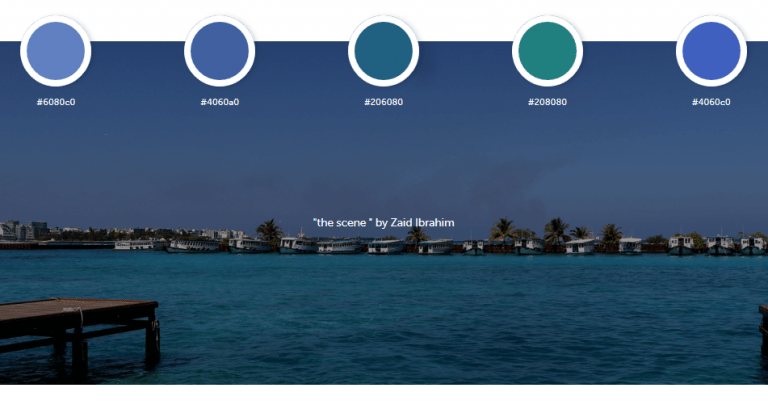
Palettr is a rather original and unique palette generator.
Rather than suggesting a colour palette based on an image you have uploaded, Palettr proposes palettes based on keywords. Simply type a term (winter, for example). From there, the tool will suggest a selection of photos related to winter, accompanied by colour palette suggestions for each one.
This tool is particularly useful when you know the theme or atmosphere you are going for but are not quite sure which colours to work with. You can even kill two birds with one stone by finding some wonderful images for your site at the same time.
18. Color Blender
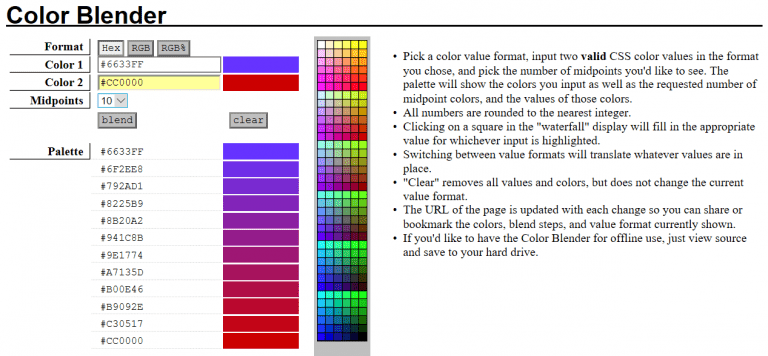
Color Blender is a colour generator that works in a particular way. Simply specify 2 colours and the number of colours you want to obtain. The tool will generate the intermediate colours between the 2 you have chosen, creating a perfect gradient.
Despite a visually uninspiring interface, Color Blender provides clear instructions and does the job with simplicity. The URL of the page changes automatically according to the generated colours. You can therefore bookmark the page and find your palette again at any time.
19. Cohesive Colors
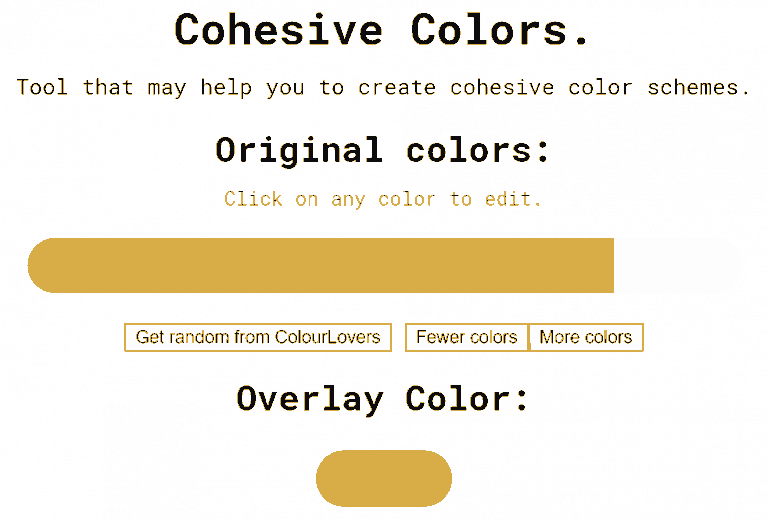
Cohesive Colors is another basic tool that offers something a little different. The tool generates a simple colour palette. But you can also modify the palette with a colour of your choice (overlay).
You can start with a palette of your own creation or by generating a random palette from the ColourLovers community (the "Get random from ColourLovers" button). You can then choose a colour to overlay on this palette, which creates a second palette adjusted according to your choice. This tool will help you create cohesive, harmonious colour palettes. The trade-off is that you cannot refine each colour individually.
The importance of colour palettes on the web
Deciding on the tones and colours for your site can be quite complex. The 19 colour palette generators we have just discussed can all, to some extent, help you in this endeavour.
Among the most practical options, for those who have no idea at all which tones to use, Palettr will suggest images and colour palettes suited to your theme.
In the same vein, Photocopa will help you choose a palette from images. Ideal if you already have an idea of the visuals you want and want to find colour palettes that will harmonise with them.
For those who have a clearer idea of their project but are struggling to visualise the final result concretely, Paletton is the solution. This more advanced but ultimately simple-to-use tool is ideal for applying your palette to a sample site in just a few clicks. Nothing beats that for imagining the final result more easily.
Much simpler and more intuitive, Colourcode lets you select your colours without needing any great technical knowledge. Simply move your mouse to vary the colours and click to choose the right one.
Each of these 19 tools will undoubtedly have its use, depending on your needs, expectations, and preferences. The 4 mentioned above seem to us to be ideal for giving palette ideas to people who are short of inspiration or who lack technical knowledge.
But just as we said regarding the 15 Chrome applications useful in building a website, for any type of person, there will always be a suitable tool among these 19 colour palette generators.
(Freely translated from Elegentthemes)